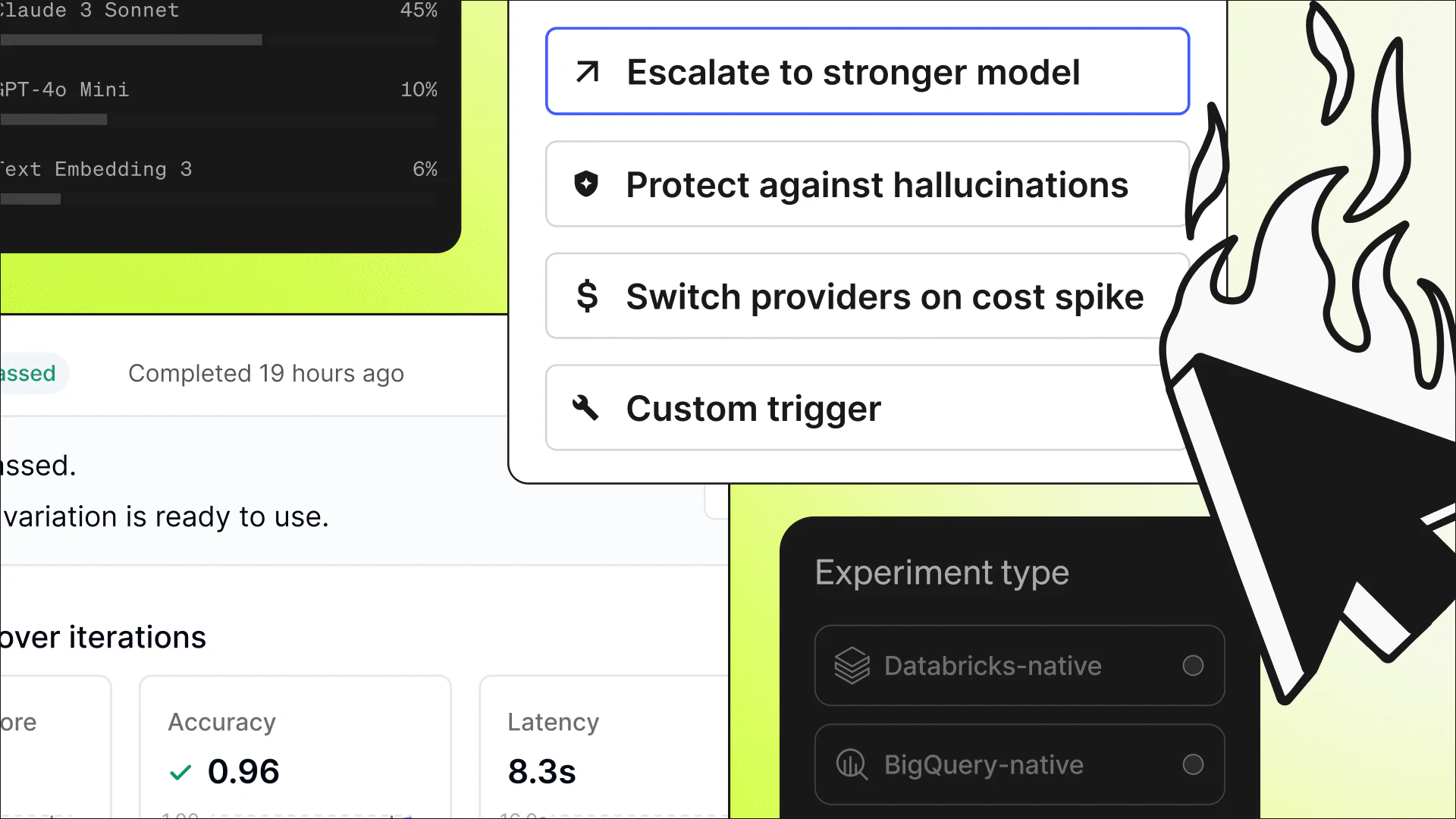
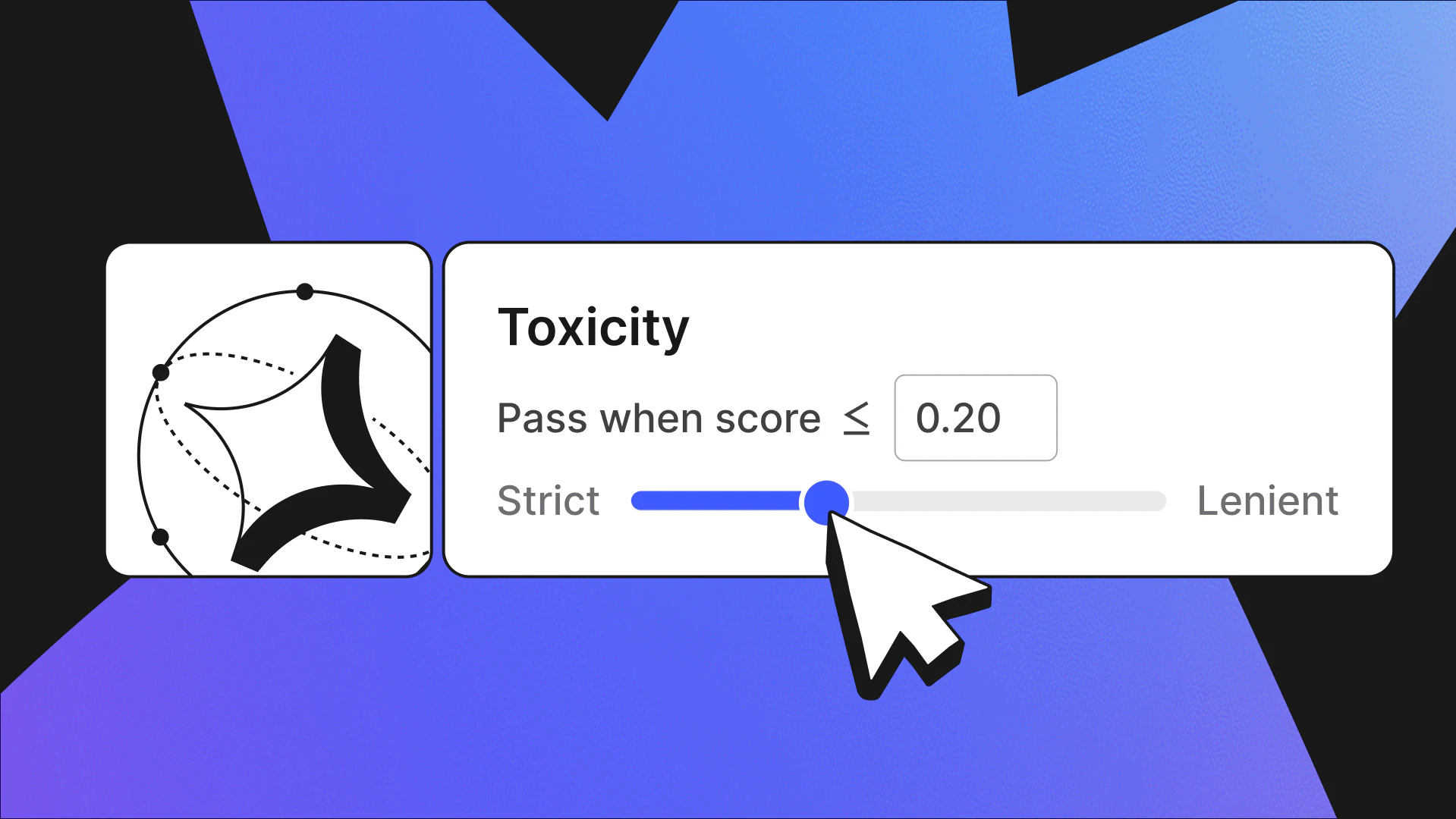
Agent Optimization, now in beta in AgentControl, automatically searches for a better agent configuration against criteria you define. You set what a good response looks like and the models a run may try; the optimization loop generates candidate configurations, scores each with an LLM judge, and returns a version that clears the bar you set measured against your current setup, ready to roll out. It supports optimizing for quality, cost, and speed, and it's framework-agnostic: It works with agents you can invoke from Python, since you provide the agent call yourself.
—
Improving an agent never really ends: You can always make a better prompt, a cheaper model, a parameter worth nudging, or a tweak. But improving it means inventing variations, running each one, reading outputs, and deciding by feel whether anything improved, then doing it all again when a model updates or the inputs drift. The tax on improvement is high enough that "If it ain't broke, don't fix it" stops being a caution and becomes the policy. Teams live with “good enough”—not because it is, but because finding better is too much work.
The frustrating part is that so little of that work actually needs a person. What a team genuinely has to supply is the definition of better: what a good response looks like, how it's structured, and what the agent must and must never do. That comes from knowing the product and its users, and no tool can supply it. The rest (generating candidates, running them, scoring them, and comparing results) is exactly the kind of toil we now have the means to hand off.
Agent Optimization in AgentControl, now in beta, is that handoff. The team writes the grounding: acceptance criteria for what better means, the models a run may try, and the limits it has to respect. Within that, a run can vary the prompt, the model, and parameters like temperature, changing the configuration itself rather than just rewording instructions. From there, the loop runs on its own. Each pass invokes your agent and has an LLM judge score the output against your criteria. When a candidate falls short, an LLM writes the next variation informed by how the last one scored, trying again until something clears the bar or the run hits its attempt limit. What comes back is measured against your current configuration, so better is a real comparison rather than a number on its own.
Better is something you define
Take a summarization agent with a simple starting prompt: "Summarize the input." That sounds trivial until the team writes down what they actually want: four bullet points, terse, no editorializing. After "good" is written down, there's something real to optimize toward, and the interesting work is in the criteria, not the prompt.
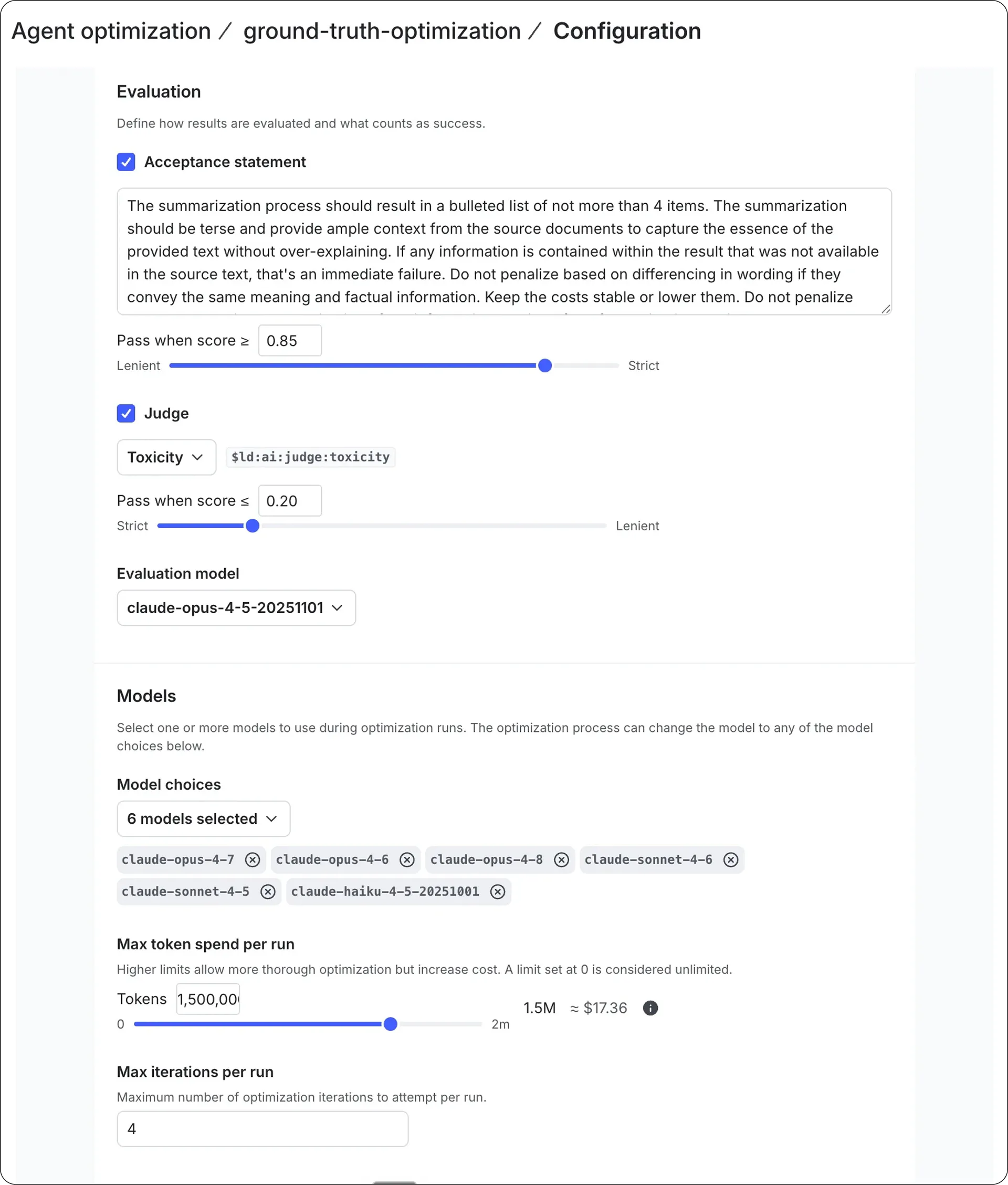
Those criteria can carry more than the shape of an answer. An orchestrator agent might require it to fetch user preferences, never respond directly, hand off to a subagent, and treat missing data as an outright failure, encoding what the agent must do alongside what it must never do. That definition is the part only the team can write.
How a run gets its inputs depends on what you already know. When you have examples that define correct behavior, inputs paired with the outputs you'd want, Expected Output mode optimizes against them directly, aiming to improve without losing ground on cases that already work. When you don't, Exploratory mode instead works across a broad range of inputs to see how behavior holds up, which fits a new agent or one facing open-ended traffic. One sharpens against a known target, the other maps behavior you haven't pinned down yet.
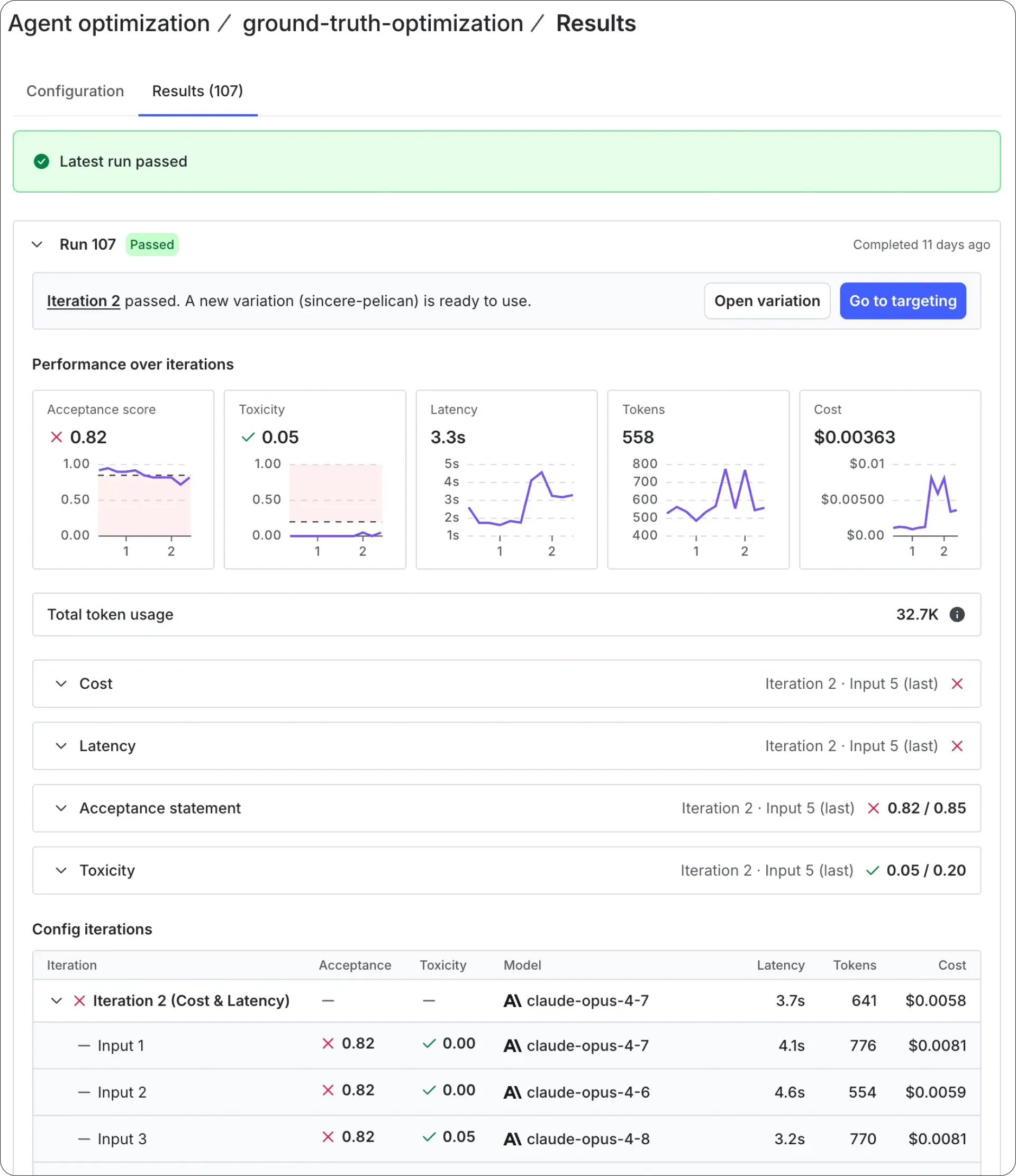
The payoff shows up as a comparison. A run scores each candidate against your current configuration as the baseline, so what comes back isn't just a passing score; it's a measured improvement over the version you're currently running. A run set to optimize for cost or speed goes further: It takes a variation that already clears the quality bar and tries it across the candidate models to find the cheapest or fastest one that still passes. A candidate can come back cheaper and faster, but only if it held the bar the team set, so speed and cost aren't bought by quietly giving up on what good was supposed to mean.
Where the result goes
An optimization run produces a new configuration for your agent, ready to go live the same way any other change would. You can put it out through a guarded rollout, ramping it against real traffic while an online judge holds it to the same criteria that picked it, and pull it back if a later change starts scoring worse.
And because each run takes whatever configuration is live as its baseline, every improvement becomes the version the next run has to beat. The work that used to be too costly to repeat is now cheap enough to run whenever the agent drifts or the inputs change, always starting from the version you're actually running.
Getting started
Agent Optimization is available in beta. Getting set up takes two steps: Install the Optimization SDK, then enable it from the AI section in AgentControl.
Here’s how to set up an optimization run from the AI section in AgentControl:
- Create a new optimization.
- Define your acceptance criteria.
- Choose the models to test.
- Set a ceiling on how many attempts a run makes, which is the reliable way to keep spend bounded. You can also set an estimated spend cap based on token usage. Estimates are approximate; actual charges are billed by your model provider.
Connecting it to your own agent happens in code: You wire up your agent call and your judge through the LaunchDarkly Python SDK. Optimization runs send your inputs and agent outputs to the model providers you select. The Docs go deeper on modes, judges, data handling, and tuning for cost and speed, and the Results view shows every pass and the baseline each one is scored against.