TL;DR
- LaunchDarkly now lets you see who evaluated your flag with the new Flag Audiences view.
- View all evaluations for a flag, switch between context kinds, and filter by variation.
- Customers using the Observability SDK can access session replays to see exactly what users experienced, without leaving LaunchDarkly.
Introducing Flag Audiences and Sessions
When incidents happen or performance drops after a rollout, one of the first questions teams ask is: “Who was impacted?” Until now, finding that answer meant manually cross-referencing logs, traces, and flag histories across multiple tools, which can be slow and error-prone. That’s why we’re excited to announce Audiences, a new capability that connects feature flag evaluations directly to the users and sessions behind them. This lets you trace impact in real time, link flags to observability data, and resolve issues faster.
Know exactly who saw your feature
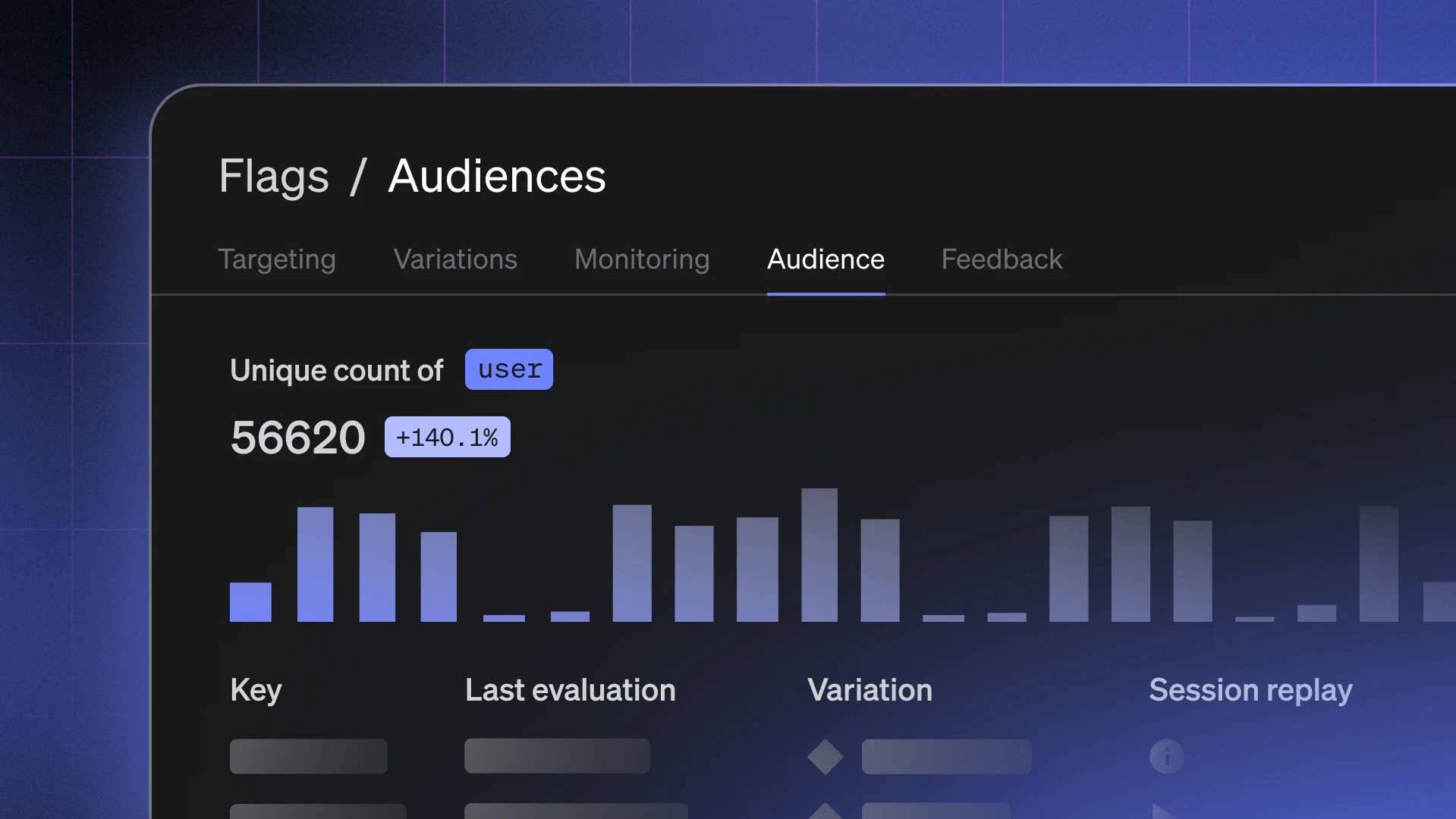
When a flag changes, LaunchDarkly now shows you who evaluated it, whether that’s a specific user, account, or device. From the new Audience tab in your flag’s dashboard, you can:
- View all users or contexts that evaluated the flag.
- Filter by variation (control, treatment, or custom).
- See when they last evaluated the flag.
- (If you have the Observability SDK downloaded) Watch their most recent session replay to understand what happened before and after the evaluation.
This gives you a full, traceable record of flag activity and an actionable view of your rollout audience.
Example: Investigating a regression
Imagine you’ve rolled out a new feature behind a flag, and your monitoring system reports an increase in 500 (Internal Server) errors. With Audience, you can open the flag, filter for users served the “treatment” variation, and instantly see which sessions encountered errors. You can even replay those sessions to see what actions led up to the issue, all from within LaunchDarkly.
Why knowing your flag audience matters
Benefits of the Audience feature include:
- Faster incident resolution. Quickly identify which users or sessions were affected by a flag change and why, with no manual log digging or tool switching required.
- Deeper visibility, fewer silos. See flag evaluations, user sessions, and observability data together in one unified view for instant context during investigations.
- Smarter collaboration across teams. Give SREs, engineers, and PMs a shared source of truth for debugging, postmortems, and release validation.
The Audience view is now available to all LaunchDarkly Guardian customers for both Guarded Releases and regular flag rollouts.