Defining Feature Flags
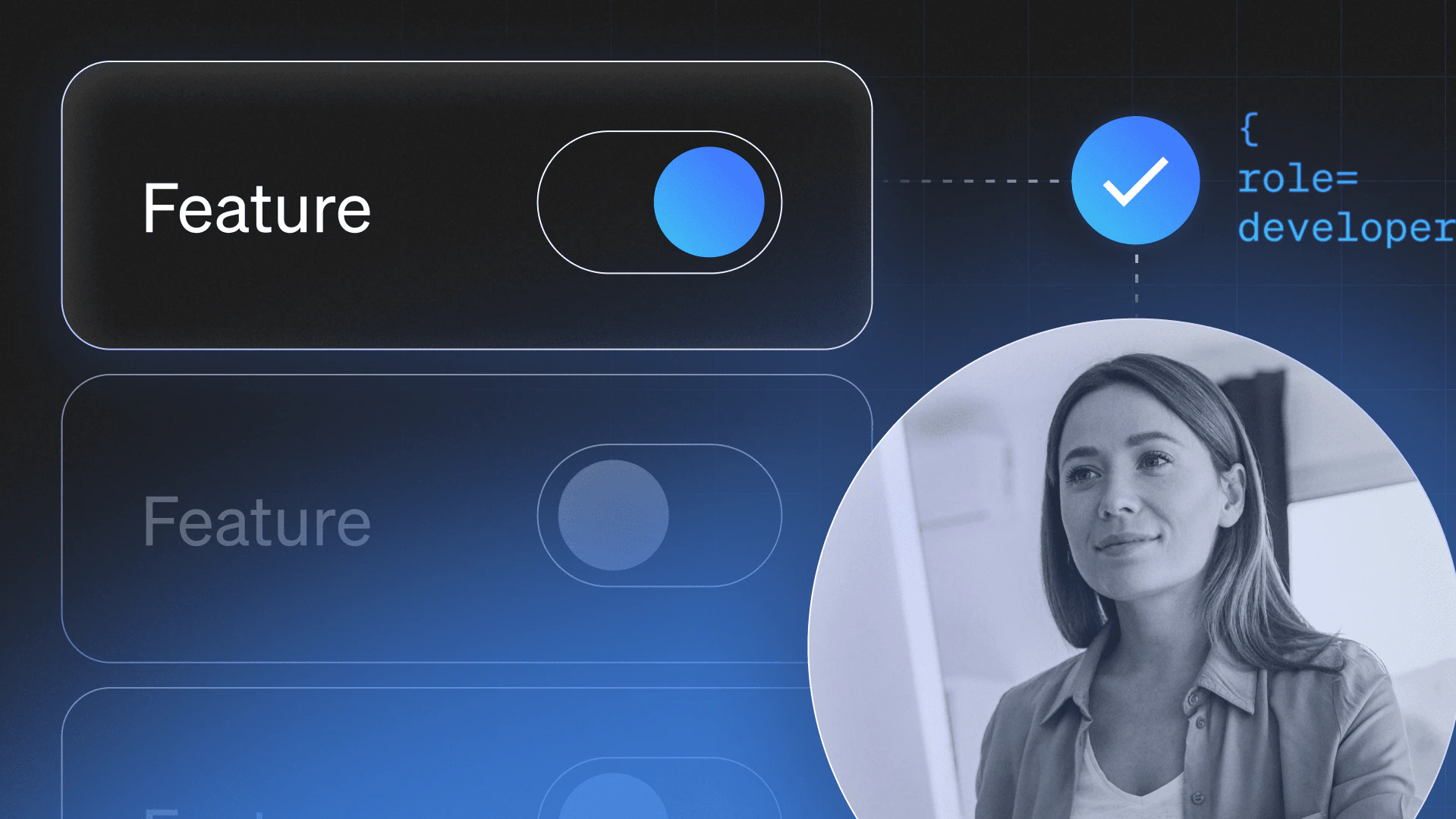
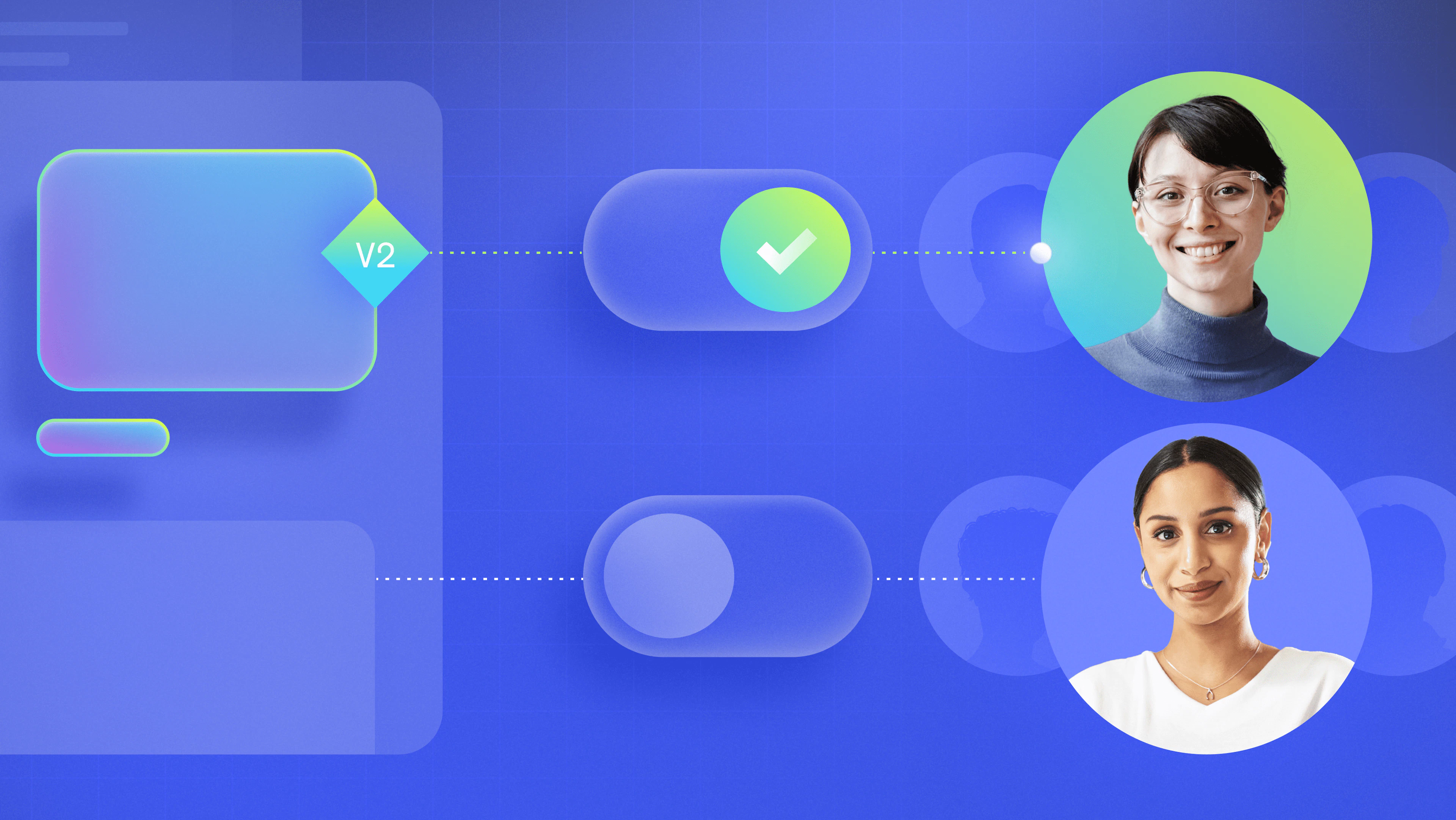
Feature flags are a software development technique that lets you enable or disable a feature without modifying source code or redeploying. They are commonly referred to as feature toggles, release toggles, or feature flippers.
What is a feature flag?
Feature flags are conditional if-else statements that determine which code path executes at runtime. Teams can turn features on or off, limit exposure to specific testers or environments, or adjust behavior without shipping new code.
This makes individual features (not deployments) the unit of control, and it extends beyond dark launches into the ongoing management of how features behave while users are actively interacting with them.
Evaluated at runtime, feature flags give teams direct control over what runs, for whom, and how widely it's exposed, long after the deploy is done. That makes them the foundation of a continuous "release, observe, iterate" loop, where teams actively control and refine feature behavior as users interact with them.
Feature flag use cases
Feature flag insights and best practices
Feature flags by programming language
Decoupling deploy from release
Historically, deploy and release were synonymous — code deployed to production was automatically running in production. To manage the risk, teams bundled multiple features into infrequent releases, which only raised the stakes: one broken feature meant rolling back everything, slowing the entire team down.
Feature flags decouple deploy from release, letting new code exist in production without executing. Decoupling lets teams deploy continuously while retaining control over when, how, and to whom features are released (and how they behave after release). Once a feature is live, teams can observe its behavior, limit exposure if issues arise, or disable it instantly without redeploying.

How feature flags change software delivery
In separating code deployments from releases, feature flags dramatically change the way development teams operate:
Trunk-based development
With flags, you don't have to maintain multiple long-lived feature branches. Long-lived branches frequently cause complex merge conflicts that lead to hard-to-debug issues, regardless of whether you're using GitHub, GitLab, or something else. Feature flags enable trunk-based development, where teams work in the main branch and merge short-lived branches frequently.
Because runtime control helps prevent users from interacting with unfinished functionality, teams can merge incomplete work safely, continue development incrementally, and deploy continuously without blocking each other or exposing partial features.
Learn more about the differences between Git branching strategies vs. trunk-based development.
Manage the feature lifecycle
Feature flags give teams control over the full lifecycle of a feature from internal testing and progressive rollout, to live observation and iteration, to eventual cleanup once the feature is fully rolled out. During that lifecycle, non-engineering stakeholders can control release timing and exposure without code changes:
- A product manager can gate access to a beta program for a specific user segment.
- Marketing can time a feature launch to a campaign by flipping a flag.
- Support can provision or revoke access to a feature for a specific account without engineering.
That lets engineering stay focused on building and improving the feature rather than managing the release.
Remove the stress and risk around software releases
Feature flags reduce the stress around releases by dramatically improving mean time to remediate (MTTR). If a feature causes problems in production, disabling the flag stops execution immediately: no rollback, redeploy, or waiting.
That kind of runtime response can cut MTTR from hours to minutes by linking production issues directly to the feature causing them. And progressive delivery means teams don't just release to everyone at once, but gradually expand exposure while observing real-time performance and adjusting behavior as needed.
Feature flags are NOT configuration files
Configuration files change behavior at deploy time: you manually update a file, change an environment variable, and push it through your deployment pipeline. Feature flags evaluate at runtime: you flip a switch and the change occurs instantly, without redeploying, restarting, or waiting.
Config files are also blunt instruments. It’s either on or off for everyone. Feature flags enable precise targeting and control, letting you roll out specific changes to specific audiences, or respond to conditions that only surface once software is live.
Ultimately, feature flags are more versatile, sophisticated, and powerful than config files.
Feature flags and CI/CD
Feature flags and continuous integration / continuous deployment (CI/CD) are complementary, but they solve different problems. CI/CD handles how code moves to production: merging frequently, running automated tests, preventing broken builds. Feature flags handle how that code behaves once it's there.
That distinction matters because CI/CD alone doesn't solve the long-branch problem. As teams grow, feature branches multiply and drift from the main branch, making integration painful and error-prone. Continuous integration helps by encouraging frequent merges with automated testing to keep the build stable.
But how do you merge frequently when a feature takes weeks or months to complete? Feature flags let you define which code paths execute and which are ignored, so teams can merge incomplete work into the main branch continuously without exposing unfinished functionality to users.
Who uses feature flags?
Feature flags enable teams across the company to control and adjust production behavior after release without waiting on a deploy or filing an engineering ticket. Engineering teams typically adopt them first since flags are implemented in code, but their utility extends well beyond engineering.
A feature management platform is what makes that possible. With one in place:
- QA can enable features for test users and validate functionality while the feature is live in production.
- Sales and Customer Support can provision or revoke entitlements instantly without waiting on engineering.
- Product managers can manage beta access, align release timing with business priorities, and adjust exposure based on real-world performance.
- Marketing can control feature exposure on live traffic to run experiments or time launches to campaigns.
Feature flags make releases a shared, continuous development process where teams collaborate on what happens after features go live.
Feature flag use cases: When to use flags
The right use case for a feature flag usually starts with a problem: a release that's too risky to ship all at once, a production incident that needs an instant response, or a hypothesis that needs real user data to validate.
Here's how teams tend to apply them across the feature lifecycle.
1. De-risk software releases (release management)
Release management is one of the most common feature flag use cases — early access programs, canary releases, and beta programs all rely on them. But the goal isn't just a safer release moment; it's maintaining control while the feature is live.
Starting small and expanding to larger groups over time lets teams observe behavior under real conditions and respond before issues affect everyone:
- Observe how systems and services behave under increasing load.
- Collect user feedback and adjust the feature while it's still in a limited rollout.
- Limit the blast radius if something goes wrong before it reaches your full user base.
2. Improve reliability and operational health
When production signals indicate risk, operational feature flags let teams respond immediately. If a feature is degrading performance or triggering alerts, disabling the flag stops execution instantly. LaunchDarkly observability tools surface those signals in real time to help teams act on them without switching contexts. Teams can use operational flags to:
- Deploy kill switches or circuit breakers to programmatically disable a feature the moment alerts fire.
- Switch to a degraded-mode experience under heavy load rather than letting the full feature impact performance.
- Limit API requests on the fly to optimize reliability during traffic spikes.
- Test migrations to new microservices or third-party dependencies in production environments without fully committing to the change.
- Change log levels in real time for faster debugging without a redeploy.
3. Target and personalize software experiences
With a targeting engine like LaunchDarkly, feature flags let you release new features and experiences to specific audiences and adjust targeting rules dynamically as you observe behavior in production. With targeting, you can:
- Personalize software experiences based on user preferences.
- Tailor features to end users' mobile device and app version.
- Deliver targeted experiences based on region or geography.
- Gradually roll out features to specific segments and expand based on real-world performance.
Entitlement refers to the right to use services, products, or features. Feature flags, within a feature flag management platform, let teams manage entitlements without engineering intervention. Entitlements can be granted or revoked instantly as user plans, permissions, or business conditions change, resulting in better user experiences and greater operational efficiency.
4. Learn through product experimentation and A/B testing
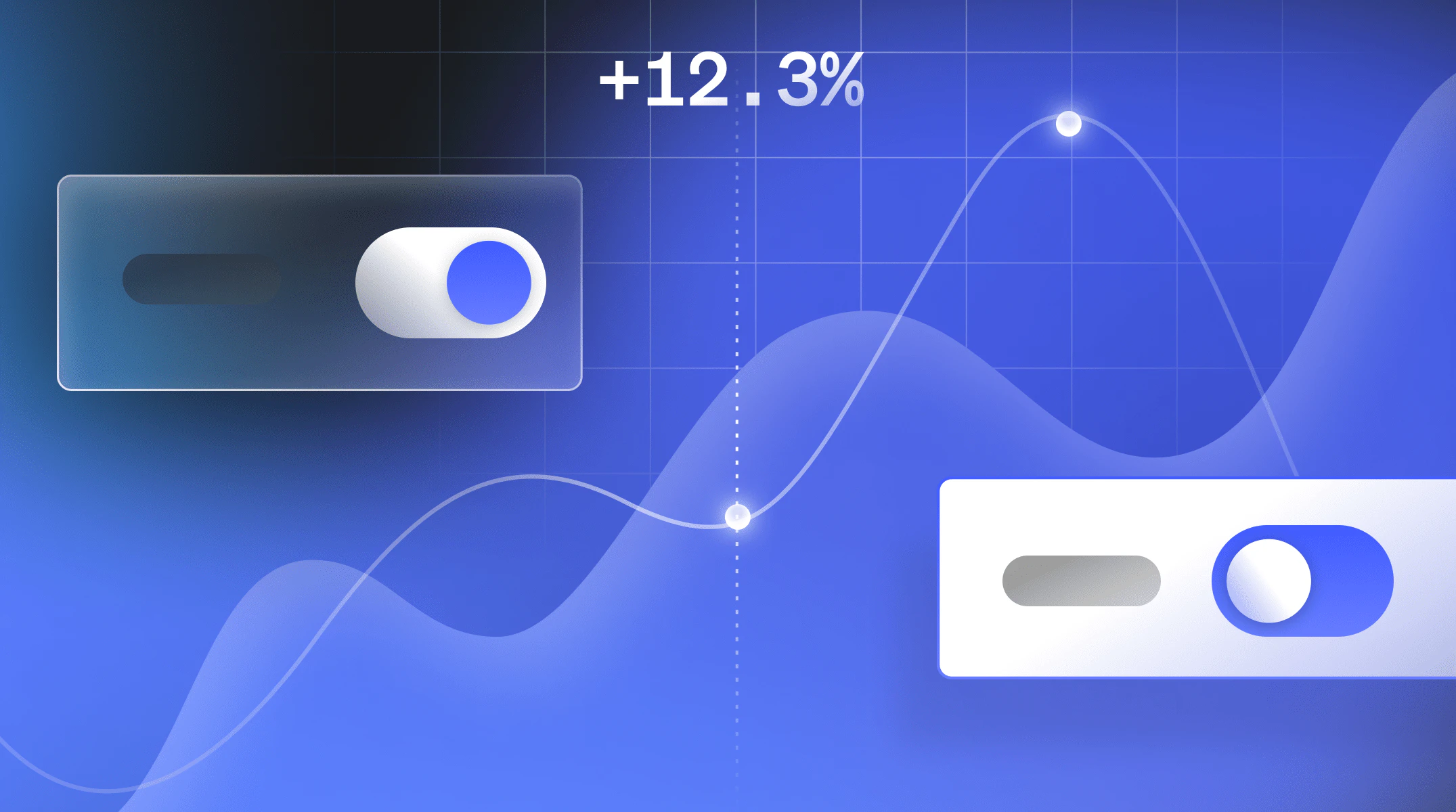
Monitoring and observability tools can tell you if a feature isn't working correctly, but they can't tell you if you built the right feature. That's where experimentation comes in. Using feature flags, you can run A/B tests on live production traffic to compare feature variants, measure real user impact, and iterate without shipping new code.
Experiments provide concrete reporting and real-world measurements to help you choose a better-performing version of a feature instead of just a functional one. LaunchDarkly Experimentation is built for exactly this: engineers can attach experiments directly to the flags they're already using, product managers can visualize results and connect them to business metrics, and teams can ship winning variations instantly when statistical significance is reached.
All without any redeployments.
5. Reduce the risk of migrations
Infrastructure, cloud, and software migrations are high-risk by nature — risky enough that teams often avoid or postpone them longer than they should. Feature flags let you break migrations into smaller, controlled chunks and roll them out progressively, so a change that degrades performance can be caught and reversed before it affects everyone.
LaunchDarkly can integrate directly with monitoring and observability platforms to automate that response: if a migration crosses a specific performance threshold, a kill switch triggers automatically without anyone having to manually intervene.
Here Gene Kim, a popular DevOps author, researcher, and founder, explains how to use feature flags for technology migrations.
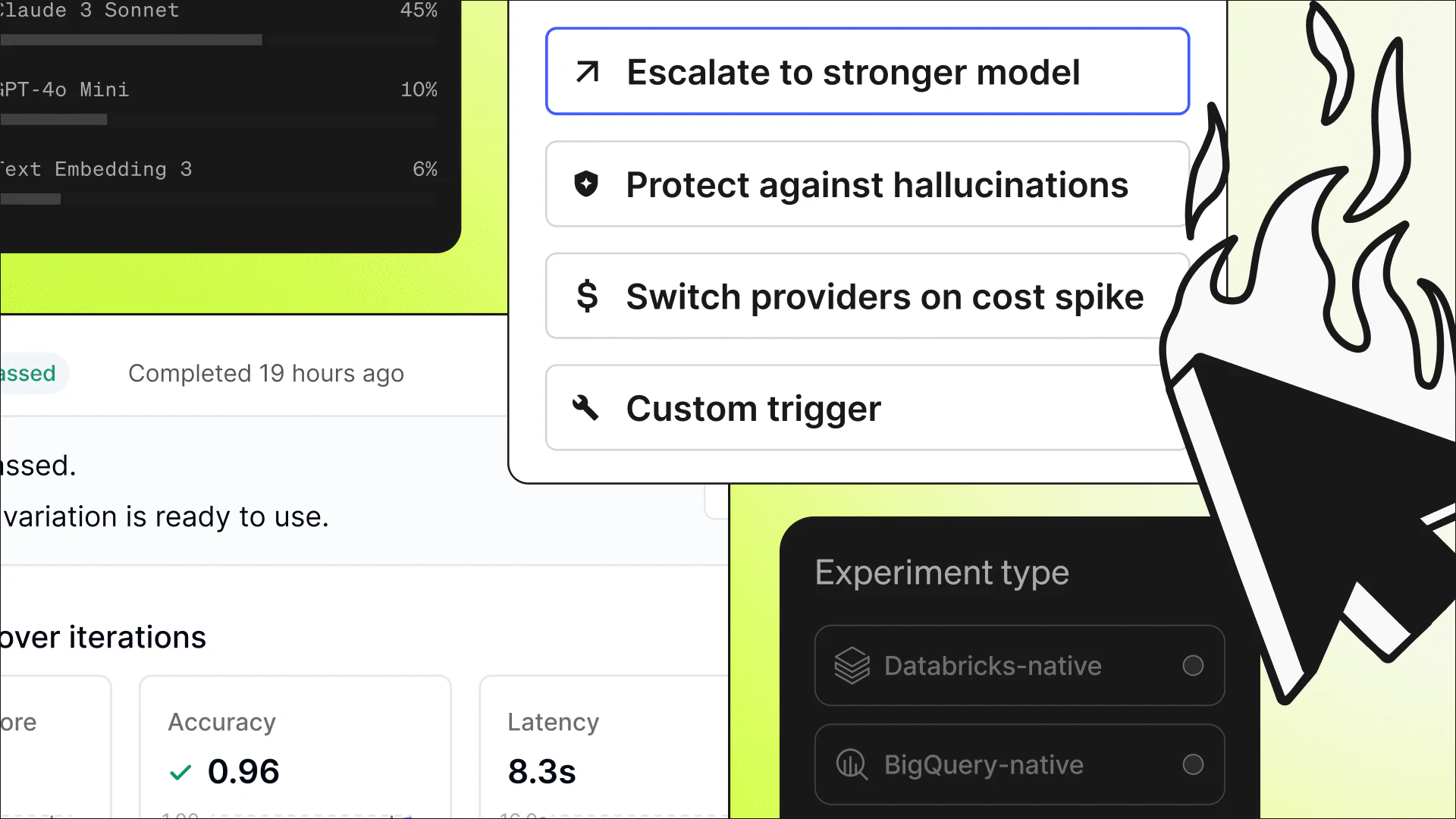
Unlike traditional features, AI-powered features and agents’ behavior can change due to shifts in prompts, models, or configuration (often without a redeploy). A model that performs well in testing can produce unexpected output in production, and traditional release tooling wasn't designed to handle that kind of dynamic runtime behavior.
Feature flags give teams a control layer for this scenario. If an AI-powered feature produces unexpected results, you can disable it instantly, limit exposure to a specific user segment while you investigate, or swap configurations without touching the codebase.
LaunchDarkly AgentControl extends this further: teams can manage agents, prompts, models, and parameters outside of code, observe behavior in production, and apply guardrails or roll back configurations in real time without redeploying.
How are feature flags deployed?
How you implement feature flags depends on your team's size, deployment frequency, and how many flags you want to manage. There are four main approaches:
- Config files and environment variables (YAML, AWS AppConfig, etc.) work for simple on/off flags across your entire user base but require developer intervention to change and often a redeploy to take effect. Fine for small-scale use, not practical as flag volume grows.
- Database-backed homegrown solutions give you more flexibility, like user targeting without restarts or redeploys, and a management dashboard if you build one. The tradeoff is ongoing maintenance: targeting logic, tooling, and change propagation all need to be built and owned in-house.
- Open-source solutions and OpenFeature (the CNCF vendor-neutral standard) offer user segmentation, targeting, and feature rollout controls out of the box. Worth evaluating, though some solutions are language or framework specific, which can limit adoption across polyglot codebases.
Enterprise platforms like LaunchDarkly are built for teams that need more than on/off switches. Real-time change propagation, RBAC, audit logs, streaming updates, automated responses based on production signals, and use cases like experimentation and entitlements all require infrastructure that's difficult to replicate in homegrown or open-source systems. LaunchDarkly supports 25+ SDKs across any stack, and increasingly, teams are integrating directly into agentic workflows (including MCP) to manage flags and control production behavior as part of their AI development process.
Feature flags and technical debt
Feature flags can incur technical debt (commonly called flag debt) as a team adopts them more broadly. Flag debt accumulates when code becomes littered with flags and old conditional logic that's no longer useful because the feature has already been fully rolled out.
Managing it starts with a clear naming strategy so the purpose of every flag is obvious at a glance. Platforms like LaunchDarkly include analytics to help identify flags that are no longer active. Beyond that, the simplest practice is to schedule regular cleanup so flag debt doesn't quietly compound over time.
Why use LaunchDarkly for feature flags?
LaunchDarkly runtime control gives teams control over feature behavior in production, plus the insight to know when and how to act. Where homegrown and open-source solutions stop at on/off switches, LaunchDarkly closes the Feature Control Gap — unifying feature flags, observability, and experimentation so teams can control what's live, measure its impact, and respond in real time.
Key capabilities:
- Experimentation: Run A/B tests on live traffic, measure real user impact, and ship winning variations instantly without redeploying.
- Observability: Correlate feature flag changes with system behavior in production, so when something breaks, you can see what changed and when.
- AgentControl: Manage prompts, models, and parameters at runtime without touching the codebase.
The infrastructure that makes this possible: 25+ SDKs across front-end, back-end, and mobile, sub-25ms flag evaluation, streaming updates within 200ms, and integrations with Datadog, Slack, Jira, Terraform, and more.
LaunchDarkly isn't just a release tool. It's what teams use every day in production to observe, respond, and iterate without redeploying.
Frequently asked questions
What's the difference between feature flags and feature toggles?
They're related but not identical. Feature toggles are the broader practice of controlling feature visibility at runtime without redeploying. Feature flags are the implementation mechanism that makes toggles possible: the actual code-level construct your application checks to determine behavior. In practice, toggles tend to imply simple binary on/off states, while feature flags add targeting, experimentation, percentage rollouts, and governance on top of that foundation.
How do feature flags help teams respond to incidents in production?
When a feature causes an incident, the fastest resolution is disabling it instantly. A feature flag acts as a kill switch: flip it off and the feature stops executing immediately. LaunchDarkly propagates flag changes within 200ms, which means the window between detecting an issue and resolving it can shrink from hours to minutes.
Can feature flags be used to control AI-driven features?
Yes, and AI features arguably need them more than traditional features do. AI-driven functionality can produce unexpected output due to changes in prompts, models, or configuration, often without any code change triggering the shift. Feature flags let teams limit exposure or disable the feature entirely without redeploying. LaunchDarkly AgentControl lets teams manage prompts and model parameters at runtime and roll back instantly if something goes wrong.
What happens if a feature flag causes a bug after release?
Disable the flag. Turning it off stops execution instantly without a rollback or emergency deploy. The flag also gives you a clean isolation boundary: you know exactly which code path is responsible, which makes diagnosing the issue faster. Once fixed, re-enable the flag, optionally starting with a small subset of users before rolling back out fully.
How do feature flags fit into a CI/CD pipeline?
CI/CD handles how code moves to production, while feature flags handle how that code behaves once it's there. Flags let developers merge incomplete work into the main branch without exposing unfinished functionality, enabling trunk-based development with shorter-lived branches and fewer merge conflicts.
What is the Feature Control Gap?
The Feature Control Gap is the distance between what a team ships and what they can control once it's live. Most release tooling is designed for the moment of deployment — it moves code to production but doesn't give teams visibility into how features behave afterward. LaunchDarkly closes that gap by combining runtime control with observability and experimentation, so teams can observe, respond, and iterate without touching the deployment pipeline.
Feature flag resources
Check out these additional resources on feature flags, feature management, best practices, DevOps, progressive delivery, and more!
Feature Flags Content Hub
LaunchDarkly YouTube Channel
LaunchDarkly Website - Feature Flags, Feature Management, and Experimentation
Feature Flags and AI
You can also request a demo of the LaunchDarkly feature management platform or start a free trial.