Once initialized, LaunchDarkly’s SDKs cache all the information they need to process flags, meaning your server can process millions of flag changes or your client-side application can render without suffering latency issues.
FEATURE FLAGS
Flags for modern software delivery
LaunchDarkly feature flags deliver real-time control, context-aware targeting, and product experimentation.
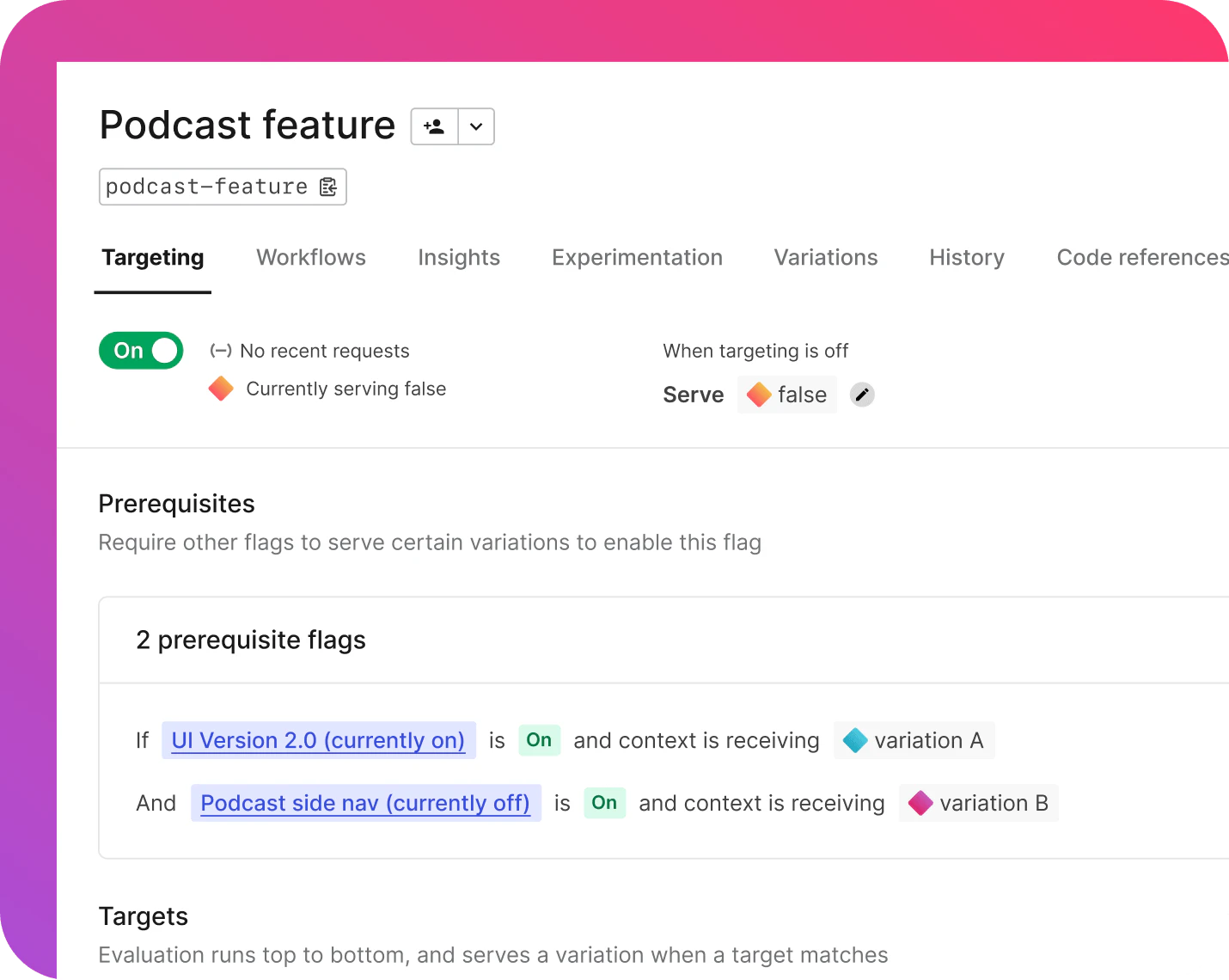


feature flag capabilities
Do more with feature flags than you ever thought possible.
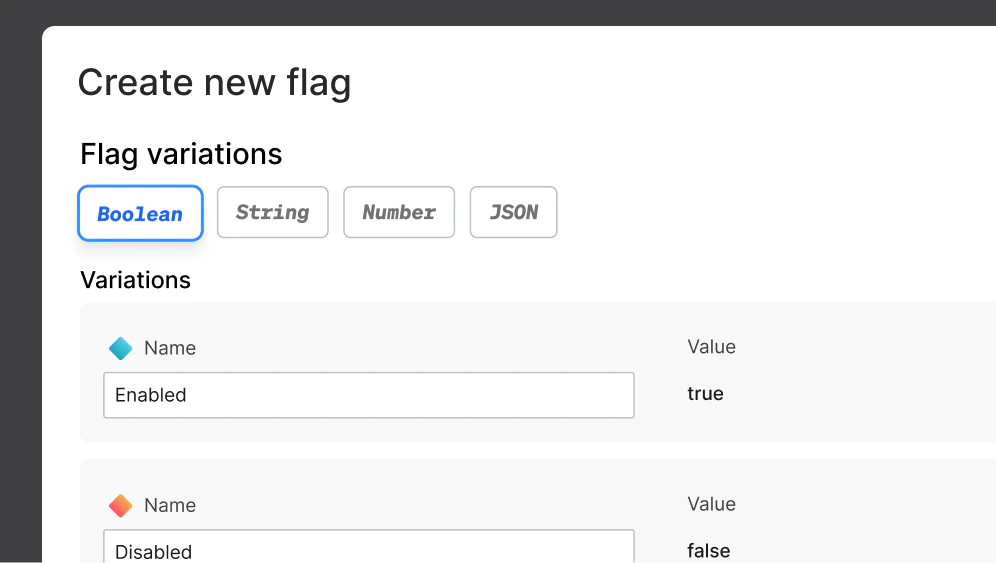
Beyond the boolean
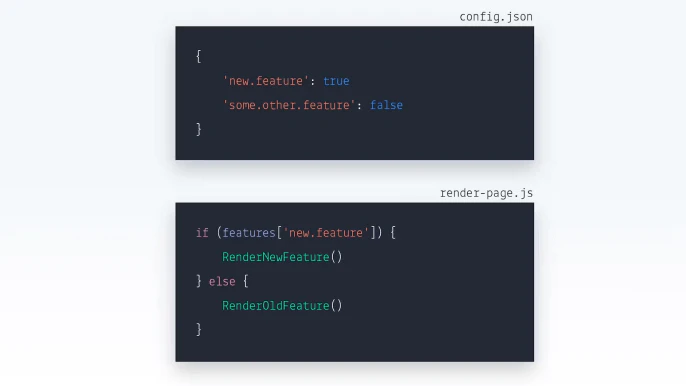
Handle everything from the basic (but powerful) true-false scenarios to more complex use cases requiring multivariate flags such as strings, numbers, or JSON objects.
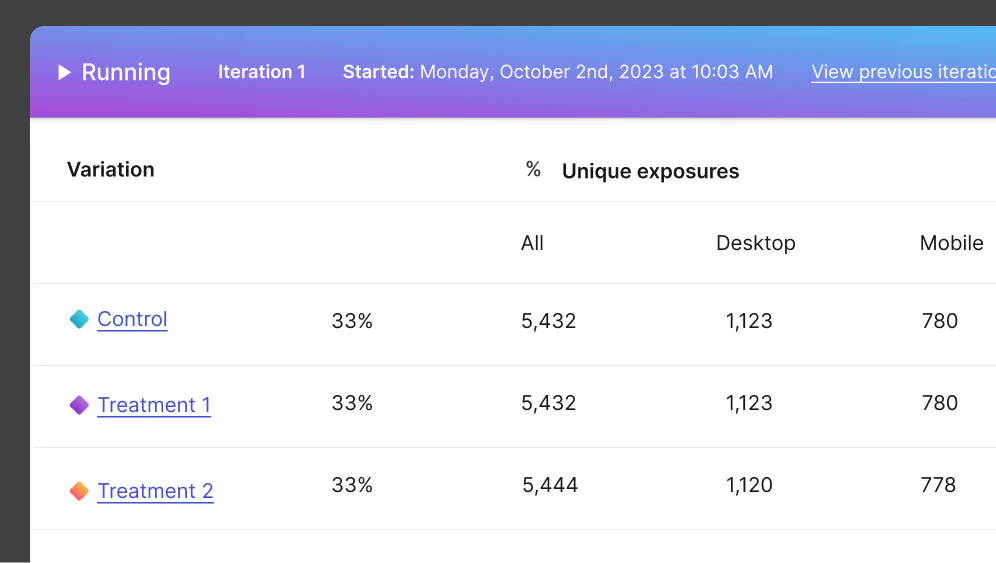
A/B testing and experimentation
Knowing a feature works isn’t the same as knowing whether it’s the right feature. A/B testing and experimentation with feature flags allows you to know both, just using a single tool.
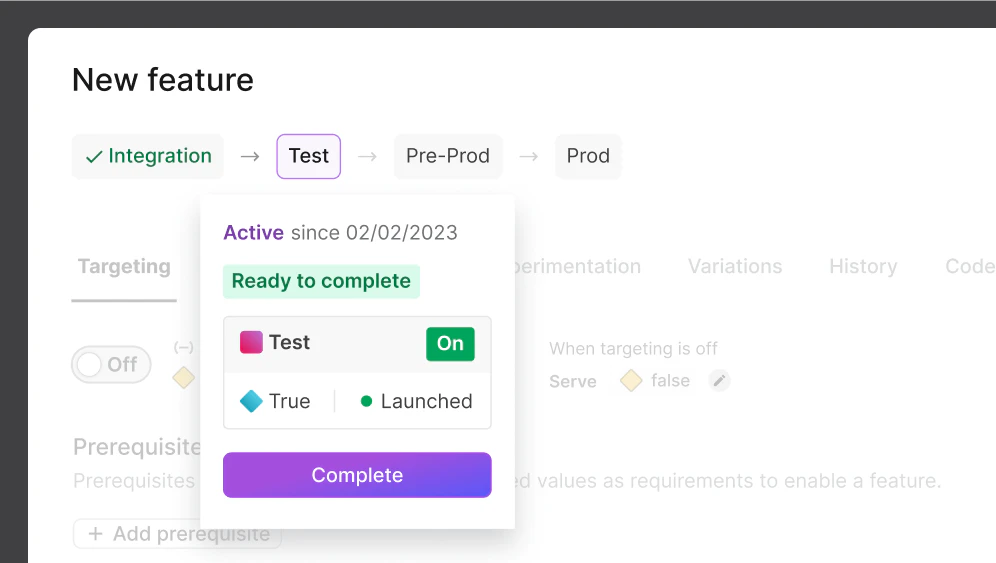
Test in production
There’s no better way to ensure the success of a release in production than to test changes in production. Feature flags enable you to do that without impacting your users.
Kill switches
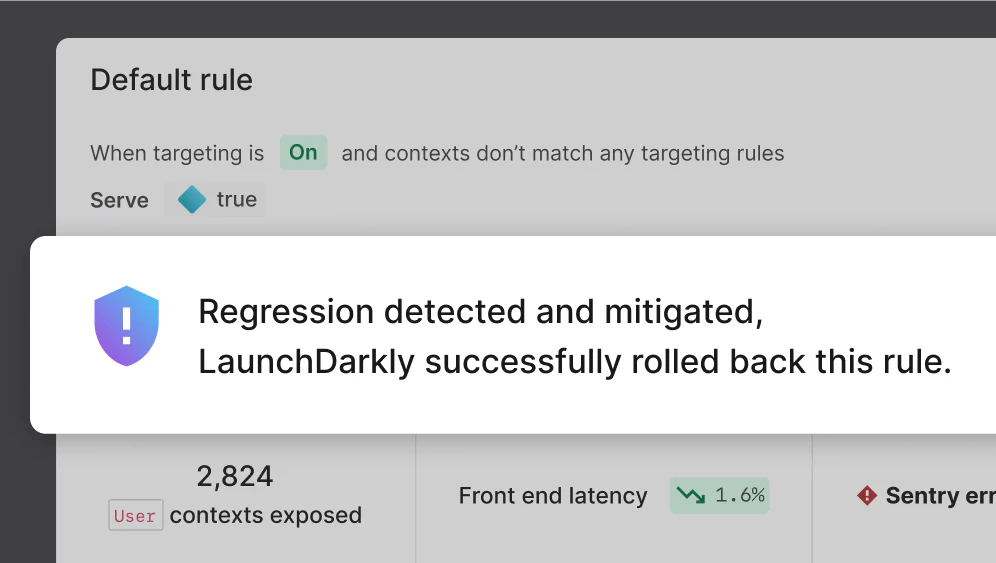
Use feature flags to mitigate the impact of incidents by immediately disabling problematic features, without the delay or negative impact of rollbacks, code changes, or redeploys.
Manage entitlements
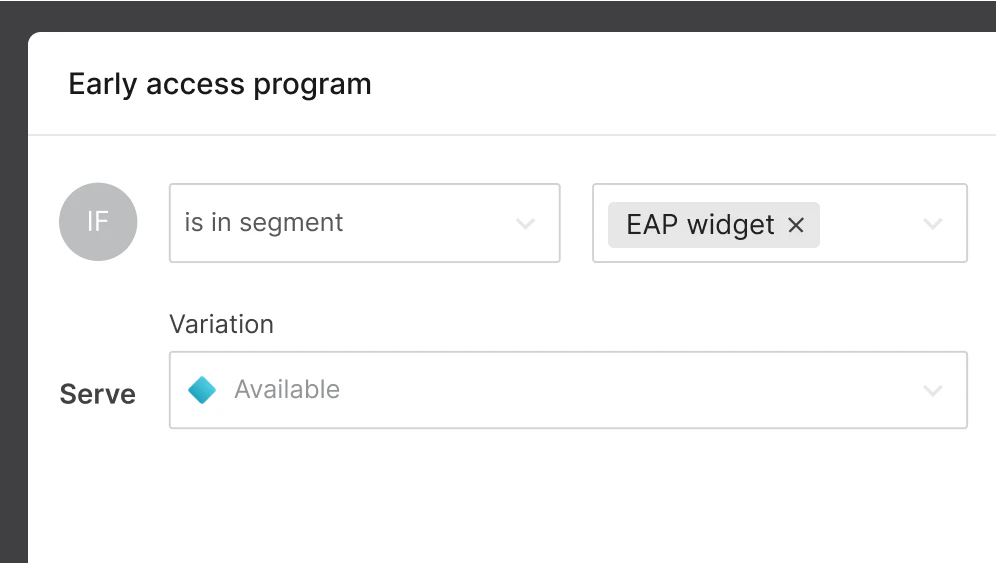
Combining feature flags with powerful targeting capabilities makes them the perfect tool for managing entitlements, including anything from beta feature access to full-blown SaaS tenant entitlements.
Release management
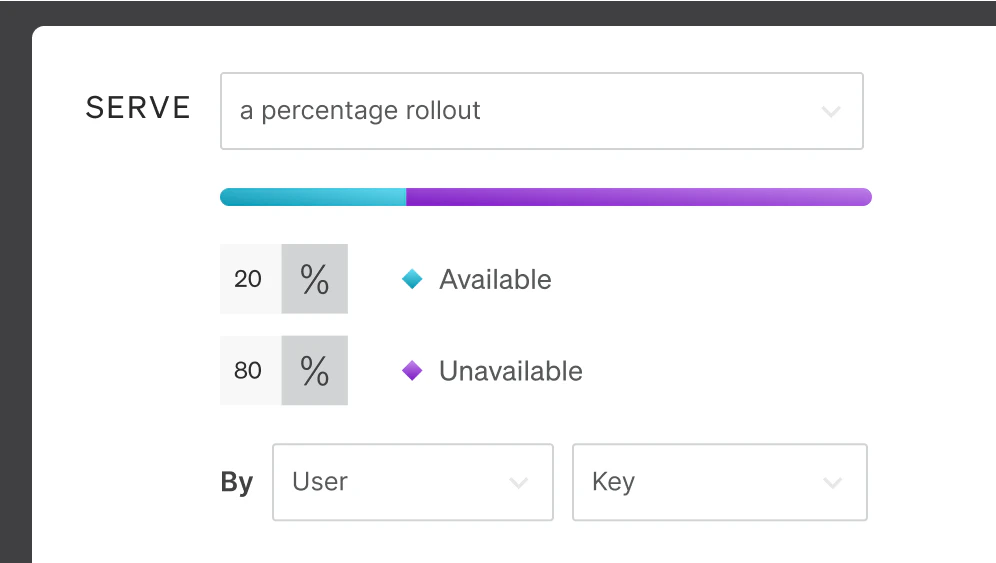
LaunchDarkly feature flags give you the tools to manage releases on your terms whether through percentage-based rollouts, targeted audience rollouts, canary releases, or more.
Flag organization and management
Effortlessly find, contextualize, and arrange all your feature flags

Compare and copy

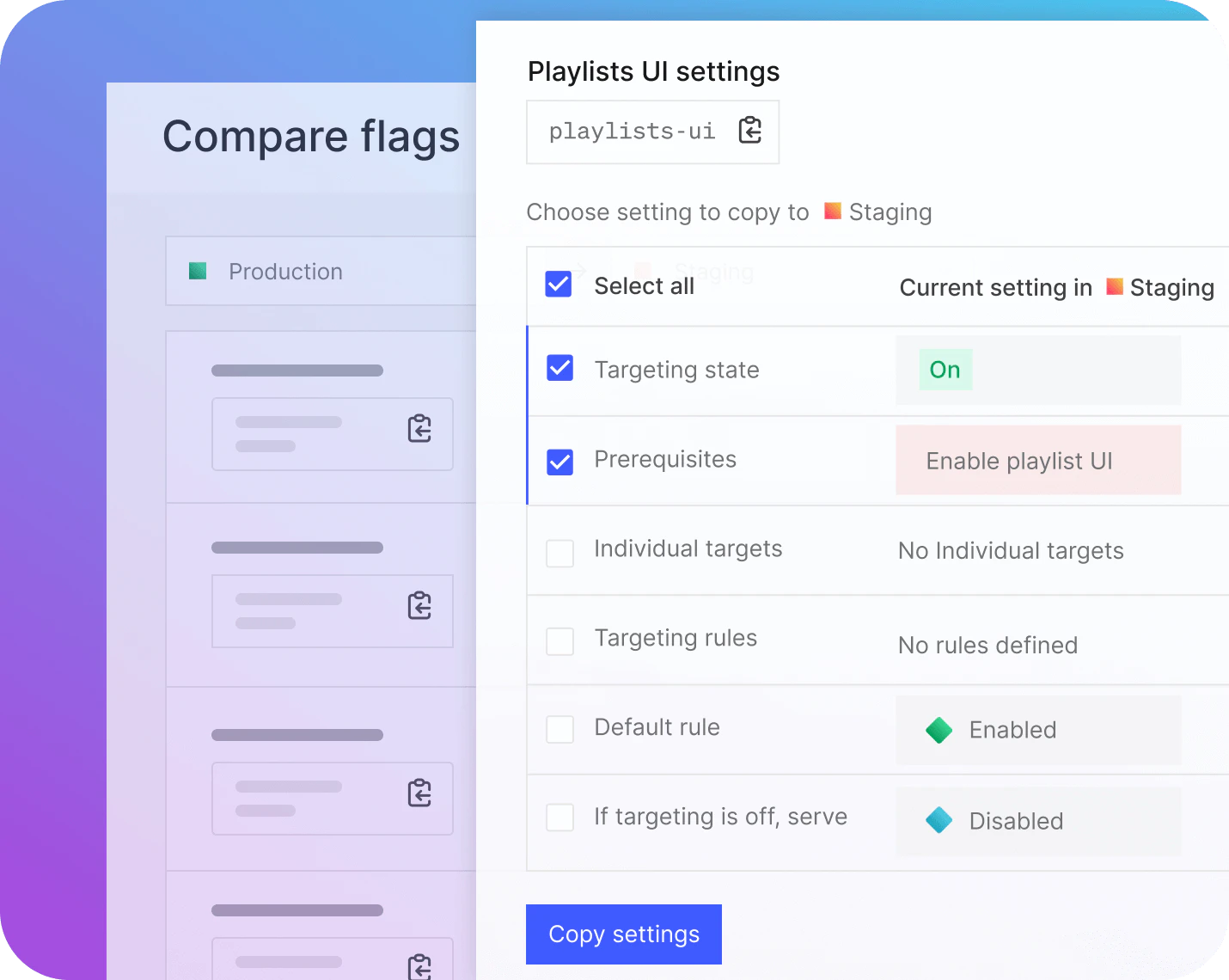
Compare feature flag configuration settings, including targets and variations, between flags set up in two different environments. For example, compare and clone rules from a staging environment into a production environment, without potentially costly manual errors.

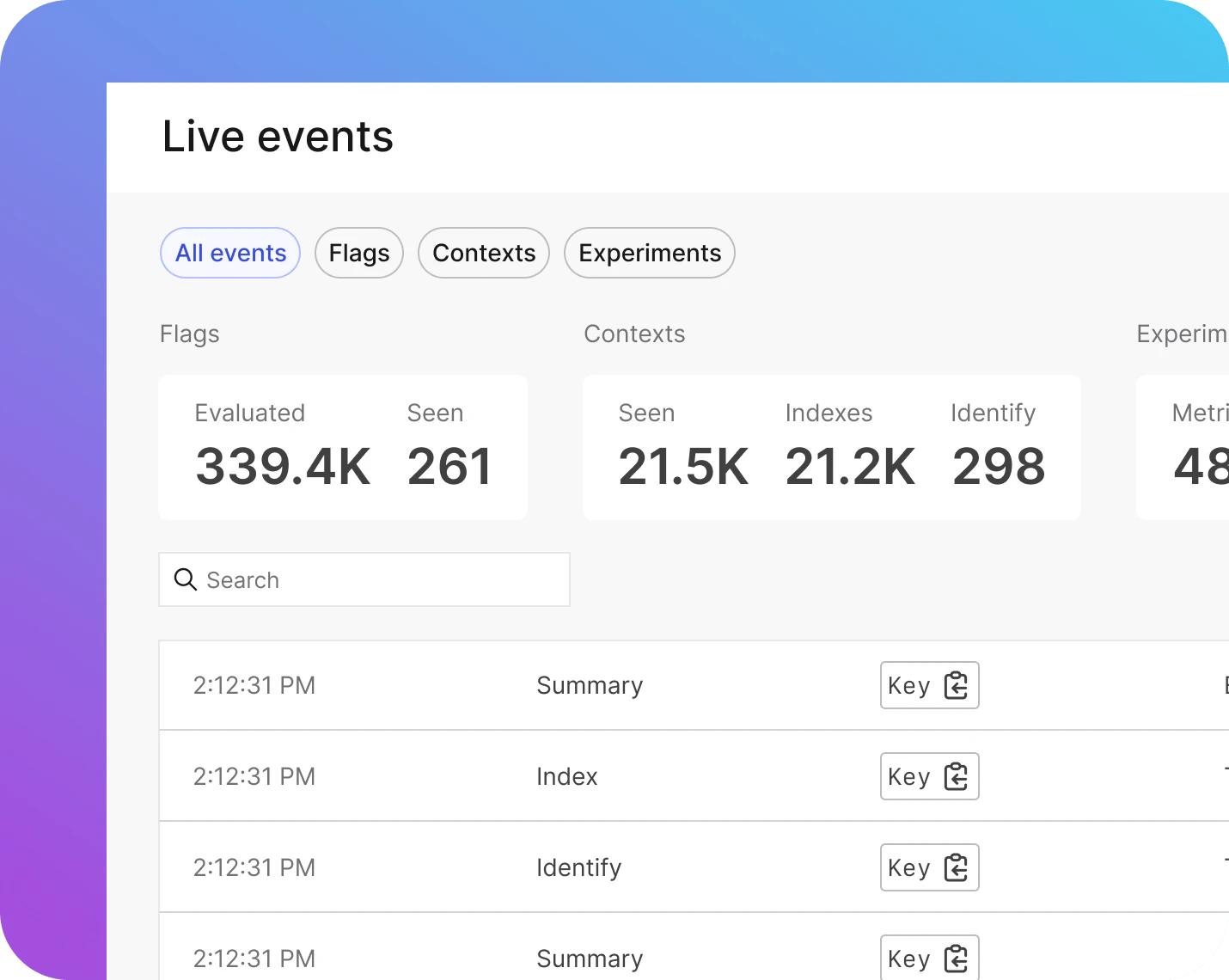
Live Events

Live Events shows you a real-time stream of events arriving in LaunchDarkly from your app. Quickly verify that your flags are set up correctly. Live Events will help you collect more data and decide what to do next or even identify flags that are no longer in use.

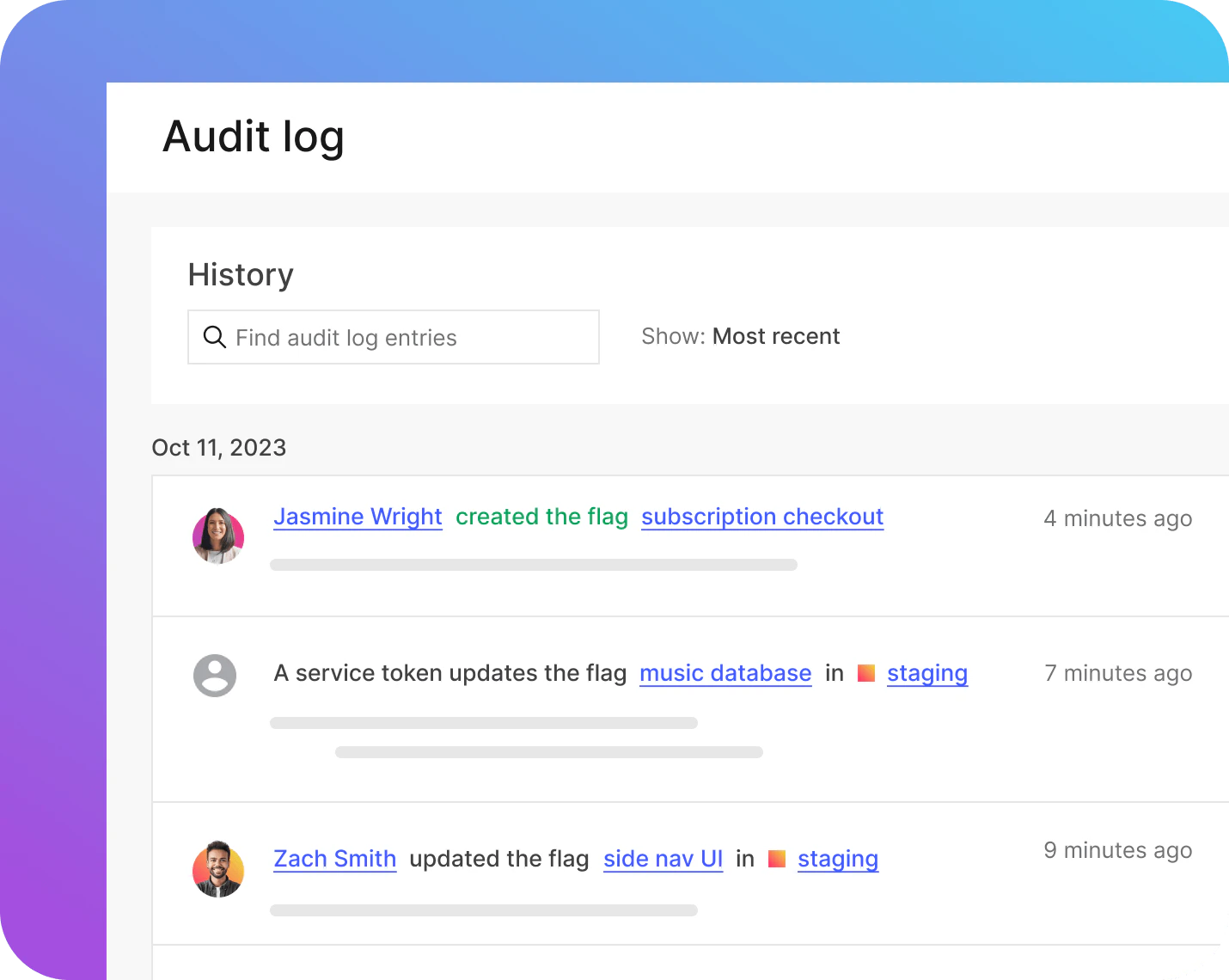
Audit logs
The audit log in LaunchDarkly keeps a record of every change made to every flag in your codebase, making it easier to maintain regulatory compliance and retain critical contextual information.

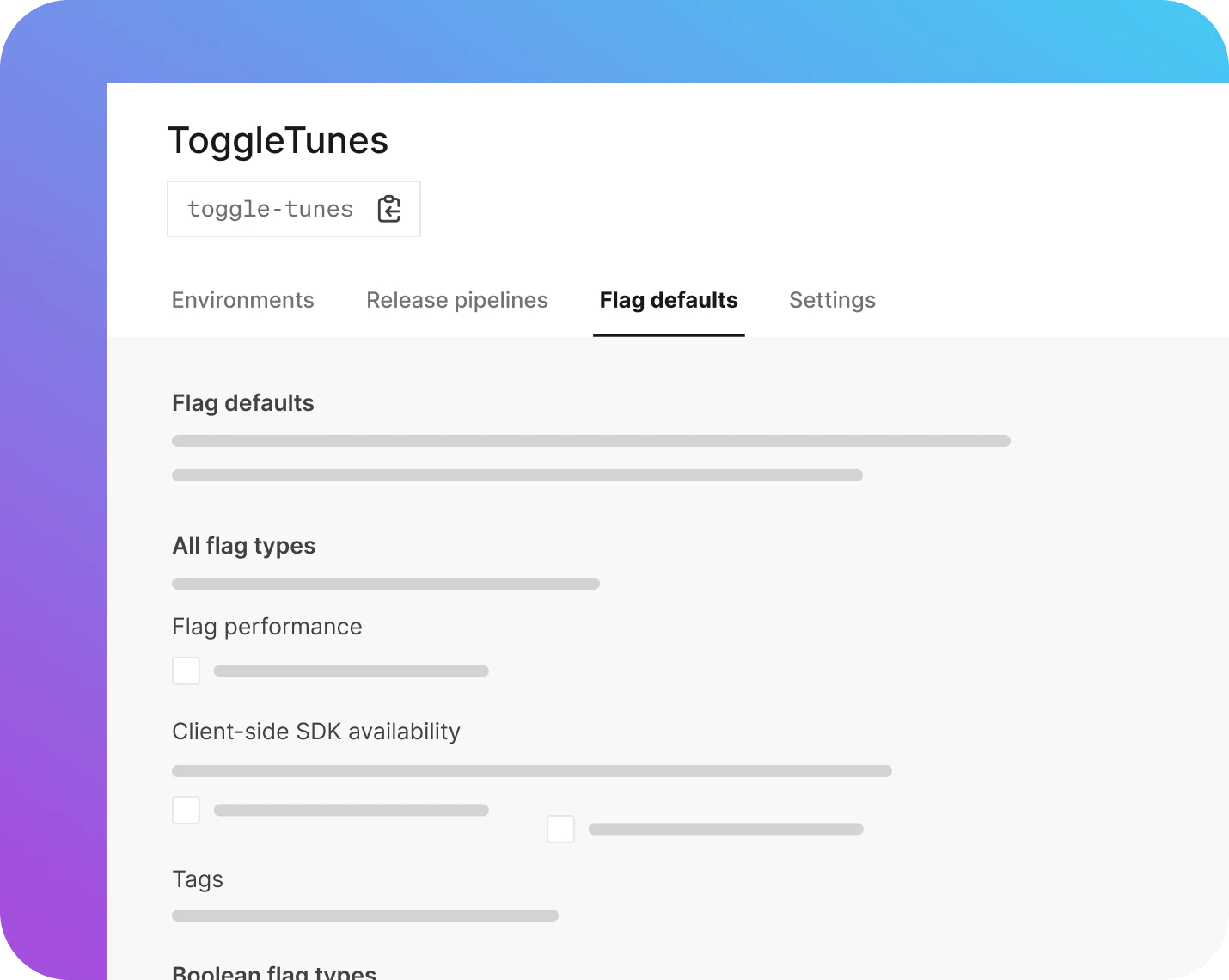
Flag defaults
Create flag configurations that embody best practice and then reuse those flag defaults across multiple projects. Speed up flag creation, remove uncertainty, and reduce risk.
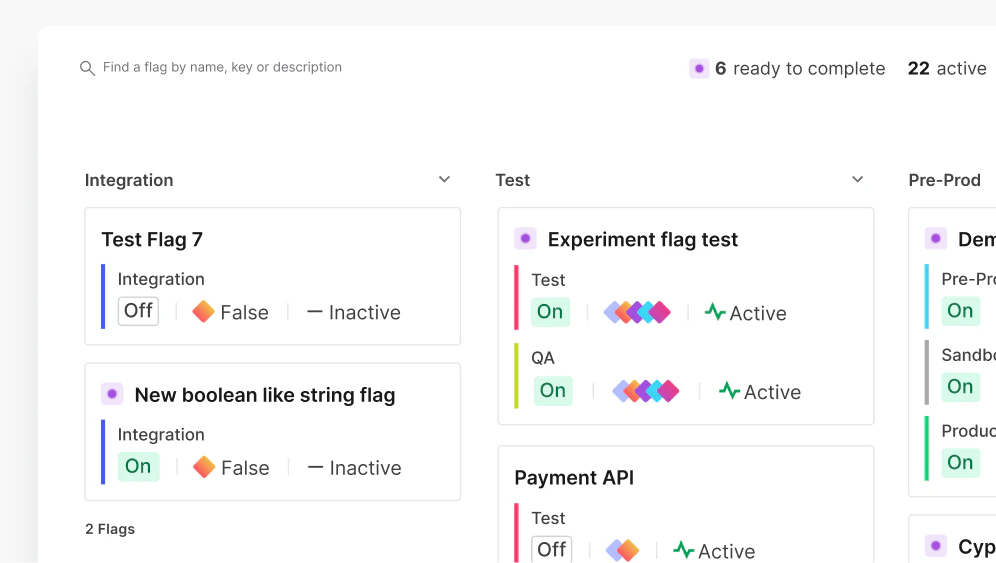
Organization
LaunchDarkly combines an intuitive UI with organizational tools like projects, environments, tags, and dependent flags to make it easy to manage your team’s flags over their lifecycle, whether temporary or permanent.
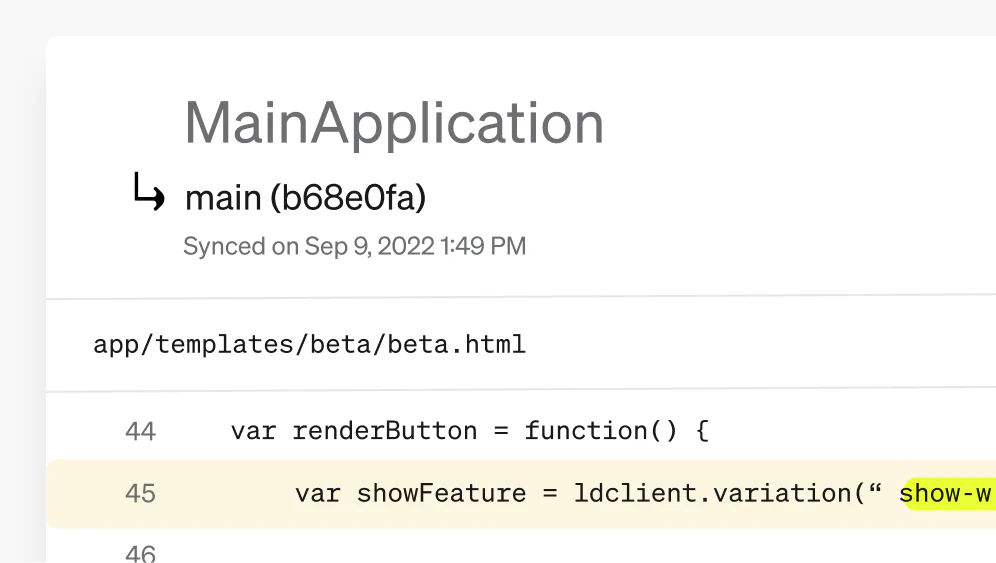
Code References
LaunchDarkly provides specialized tooling to help you identify all the locations within your codebase where a particular feature flag is being used. References are automatically updated with every commit to GitHub, Bitbucket, GitLab, or other Git code hosting tool.
TARGET AND PERSONALIZE
Context-aware targeting gives you total control
The ability to roll out features to specific audiences turns a simple on/off switch into a sophisticated targeting engine.

Context-based targeting
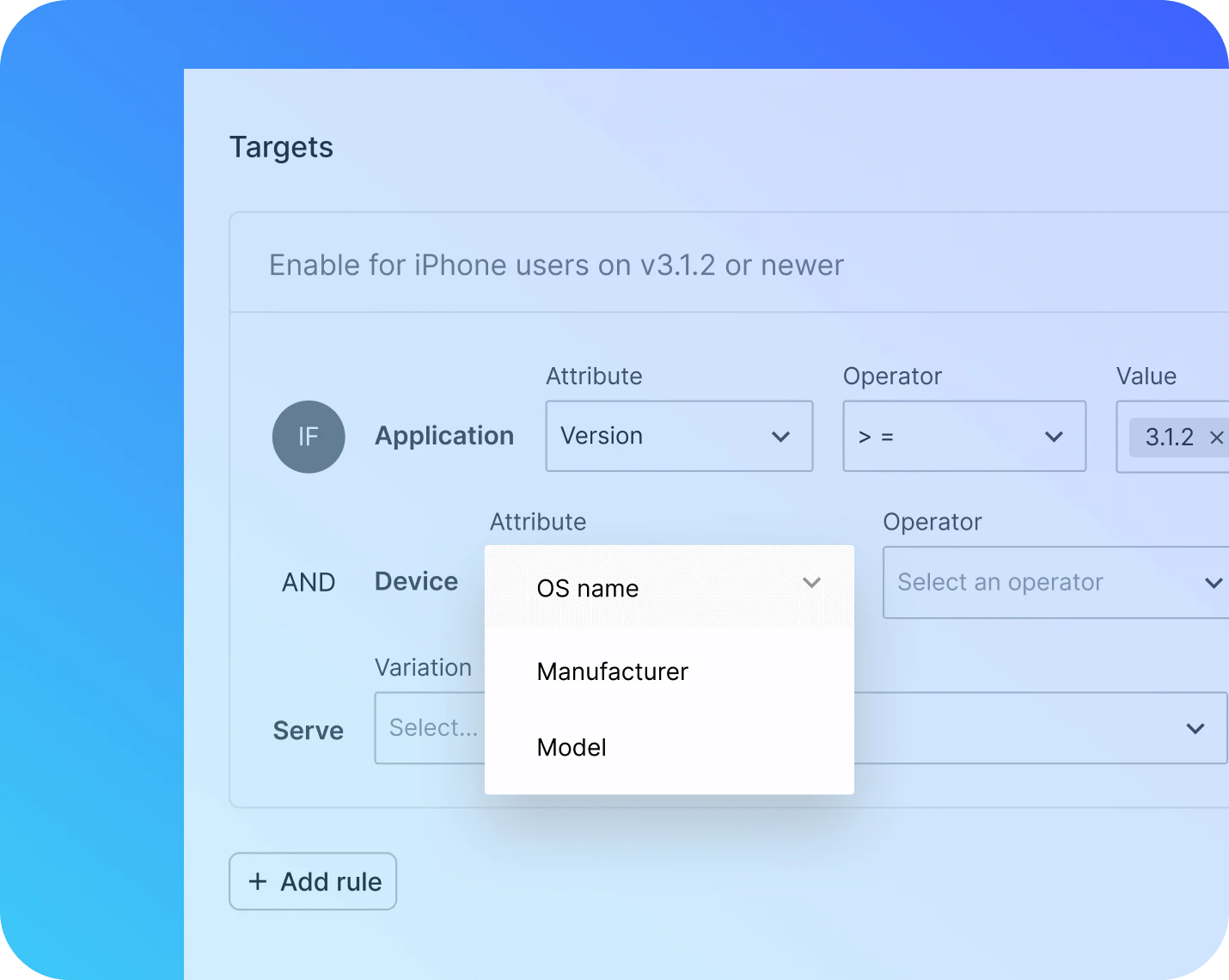
Targeting isn’t just about users. LaunchDarkly’s context-based model allows you to create targeting rules that are as simple or as complex as the needs of your application require. Target users, devices, environments, company, location or just about anything else.

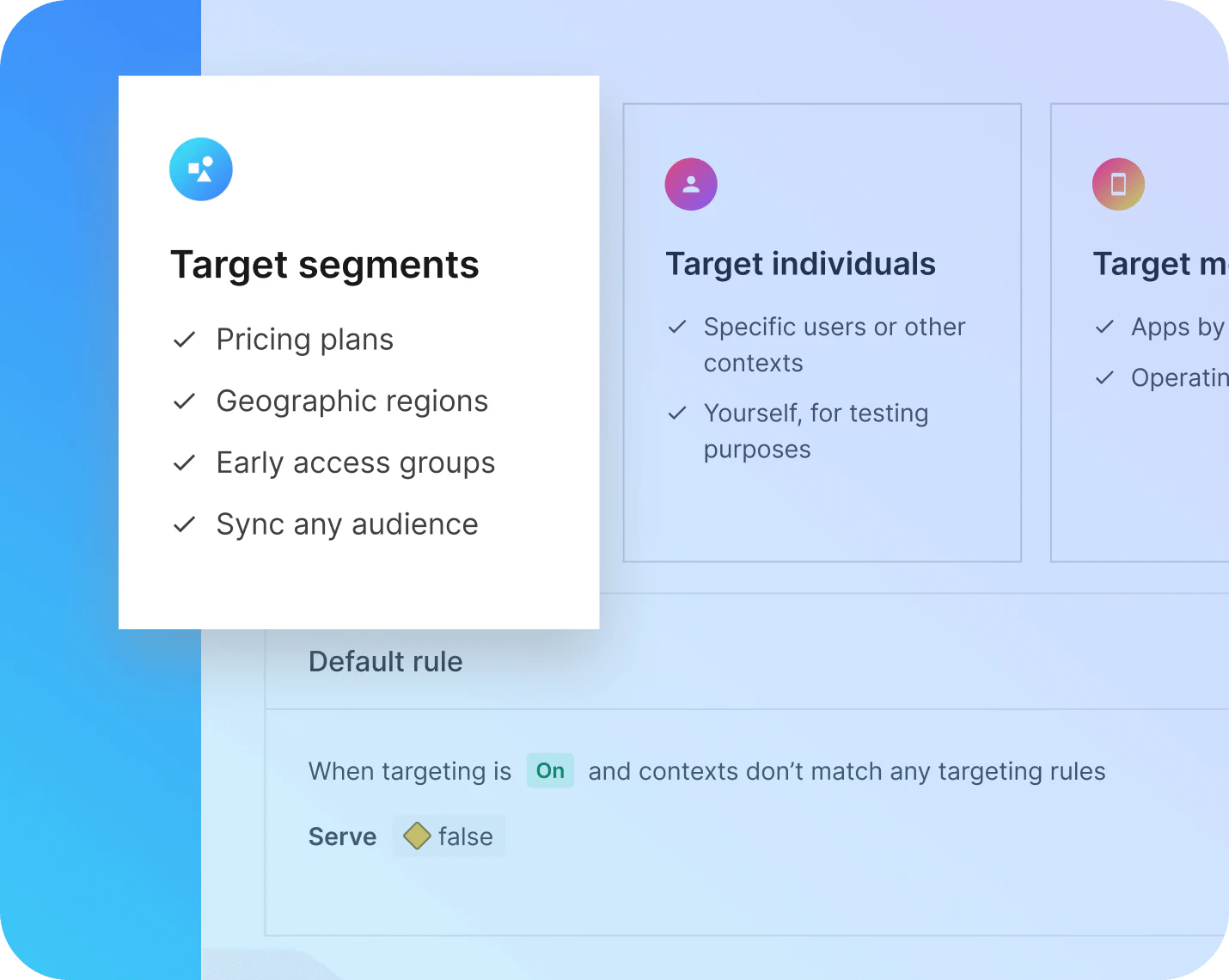
Targeting segments
Segments make it easier to group similar targets into a cohort and create feature flag rules for it. You can even import large user segments from product analytics software providers—and sync changes to those segments between your provider and LaunchDarkly.

Progressive rollouts
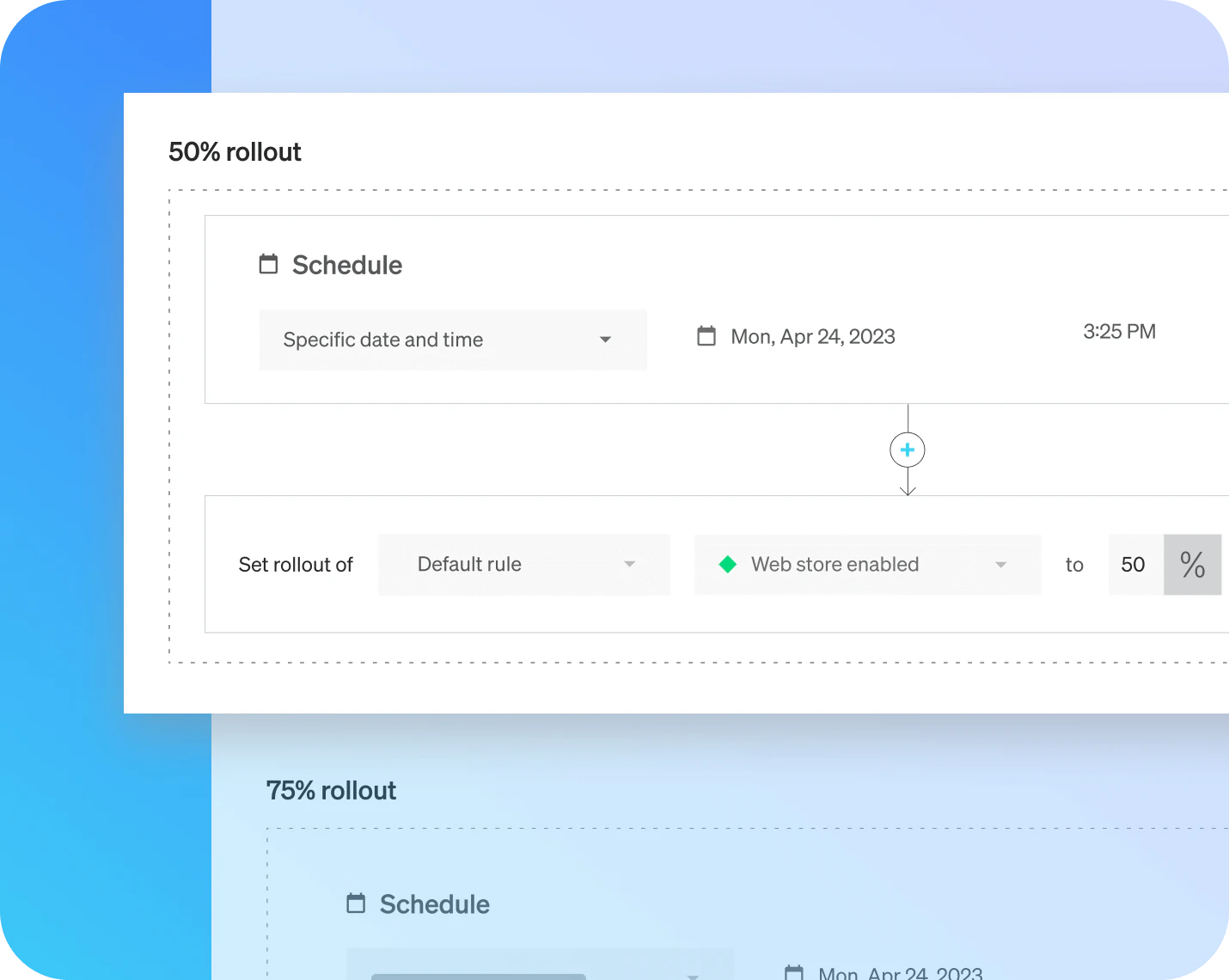
LaunchDarkly provides the tools to release features gradually and gather insights that ensure a feature’s success. Progressively make a feature available to an increasing number of users over time via percentage-based rollouts or expanding segments.

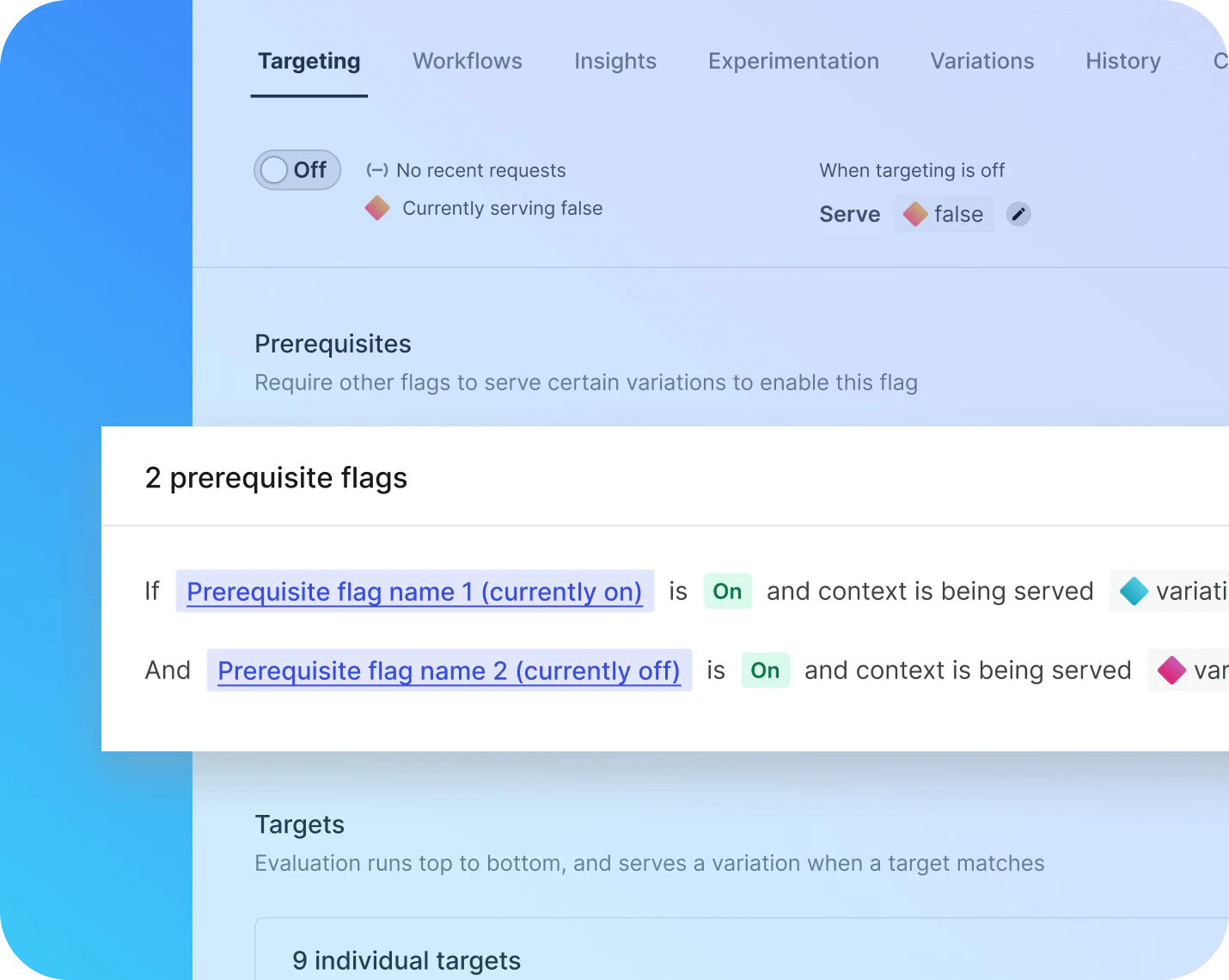
Prerequisites
Prerequisites create feature flag hierarchies that can simplify targeting. Create rules that target each child individually or target a whole subset of child flags via their parent. Prerequisites also help prevent potential errors when two flags are dependent on each other.
Explore more

Build products customers love.
/ /
I really love Guarded Releases because it takes the guesswork and a lot of the risk out of those releases. We can measure the rollout as it's happening, and if something goes wrong, it automatically stops. It gives me peace of mind, and I can get back to other things in my life without worrying.
Adam Kadzban
Principal Engineer, Relativity