
Randomization units
This topic explains what randomization units are and how to use them in LaunchDarkly Experimentation. An experiment’s randomization unit is the context kind the experiment uses to assign traffic to each of its variations.
Most experiments use the user randomization unit. This means that the experiment will sort contexts that encounter the experiment into different variations by user. You can also choose a different context kind, like device or organization.
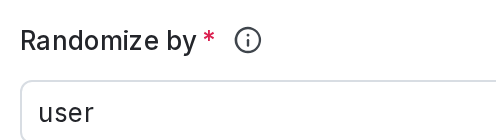
You select the randomization unit using the Randomize by field when you create an experiment:
Randomization units and metric analysis units
The metric analysis unit identifies the context kind that LaunchDarkly uses to collect and analyze data for the metric event. When you create a metric you choose one or more context kinds as analysis units to use for measuring the metric event:
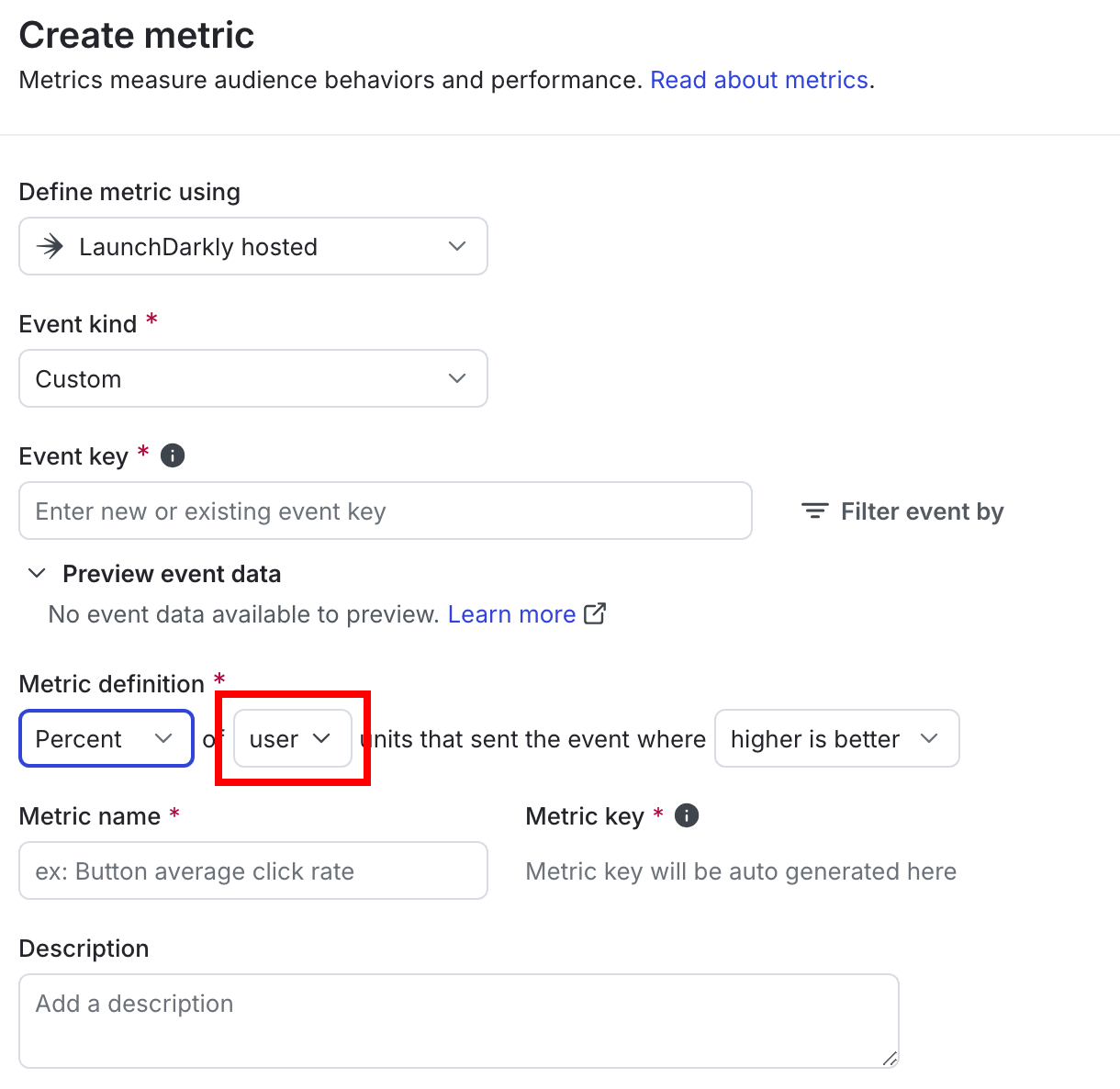
To use a particular metric in an experiment, the metric’s analysis unit configuration must include the same context kind as the experiment’s randomization unit. Like experiments, many metrics include the user context kind in their analysis unit configuration. The metric analysis unit can include additional context kinds, such as user, device, session, or request, depending on which contexts generate the metric event. To learn more, read Creating and managing metrics.
Most experiments analyze results for attached metrics using the same context kind for both the randomization unit and the metric analysis.
Clustered analysis
Warehouse native experiments that use Snowflake have the option to analyze metrics using a context kind that is different from the experiment randomization unit. This gives you the ability to perform clustered analysis for metrics in Snowflake native experiments. For example, you could randomize your experiment by user contexts but analyze metrics by session contexts, to determine whether one flag variation generates more session errors than another variation.
If you choose to analyze a metric using a context kind that is different from the randomization unit, you must ensure that each analysis unit context belongs to exactly one randomization unit context. Analysis units that belong to multiple randomization units can receive multiple flag variations during the experiment and produce incorrect or nonsensical results.
For context kinds that are organized in a hierarchy, such as account, user, and session, this usually means that the selected metric analysis unit must be finer-grained than the randomization unit. If you randomize an experiment by user you can analyze metrics by session but not by account. Using account would produce inconclusive results for the metric, because the same account could receive multiple flag variations.
You can choose the metric analysis units to in a Snowflake native experiment by using the metric’s Analyze by menu:
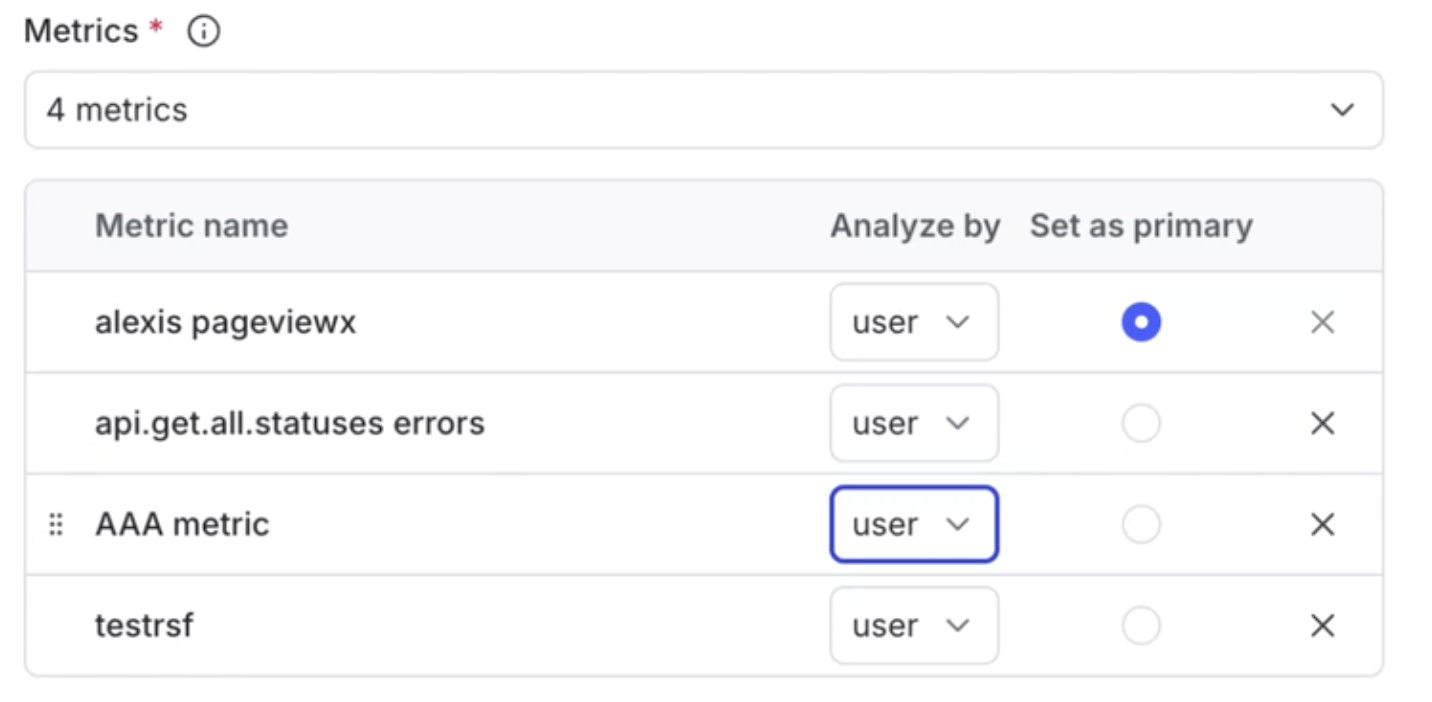
The Analyze by menu is available only for individual, simple metrics that you add to an experiment. Snowflake metrics that were added as part of a metric group always use the experiment’s randomization unit for analysis.
The Analyze by menu is not available for ratio metrics that you add to an experiment, even though you can configure individual ratio metrics for clustered analysis. To learn more, read Ratio metrics.
By default, each metric’s Analyze by menu selects the experiment’s randomization unit context kind.
During an experiment LaunchDarkly observes whether an analysis unit context receives mixed flag variations, and indicates that it cannot analyze the metric.
Choosing a metric analysis unit that is different from the randomization unit is supported only for Snowflake experiments that use the frequentist statistical methodology. To learn more, read Analysis units.
Randomization units and flag targeting rules
When you create an experiment, you will select a flag and a flag rule to run the experiment on. The context kind that the flag rule targets should match the randomization unit of your experiment. We recommend running the experiment on a rule that targets a subsection of your contexts rather than the default rule. This helps ensure consistent experiment results.
Mark context kinds available for experiments
New context kinds that you create in the LaunchDarkly user interface (UI) are available for experiments by default. You can mark a context kind as available or unavailable for experiments from the Contexts list.
New context kinds automatically created from your SDKs are not marked as available for experiments by default. To make them available for experiments, follow the procedure below.
To make a context kind as available or unavailable for experiments:
- In the left sidebar, click Code. The CodeControl menu appears.
- Click Contexts.
- Click the gear icon on the right. The context kinds list appears.
- Click the three-dot overflow menu next to the context kind you want to edit.
- Select Edit. The “Edit context kind” dialog appears.
- Check or uncheck the Available for experiments and guarded rollouts checkbox.
- (Optional) Check the Set as the default for experiments checkbox if you want new experiments to default to this context kind as the randomization unit.
- Click Save.
Randomization units and multi-contexts
If you use multi-contexts, you have options as to which context kind you want to use as a randomization unit for an experiment. Expand the section below to view an example.
Randomization units and multi-contexts
Imagine the user Anna and the user Jesse both work for the organization Global Health Services. If they are both in an experiment that randomizes by organization, Anna and Jesse will always be sorted into the same variation in the experiment, because their contexts share the same organization. However, if they are in an experiment that randomizes by user, then they could end up in different variations.
Here is what their multi-contexts would look like, though each SDK sends context data to LaunchDarkly in a slightly different format:
There are two ways you could randomize the multi-contexts in an experiment:
- if you randomize by
user, Anna could be assigned to one variation, and Jesse could be assigned to the other variation because they have different user keys - if you randomize by
organization, Anna and Jesse will both always be assigned to the same variation because they share the same organization key