

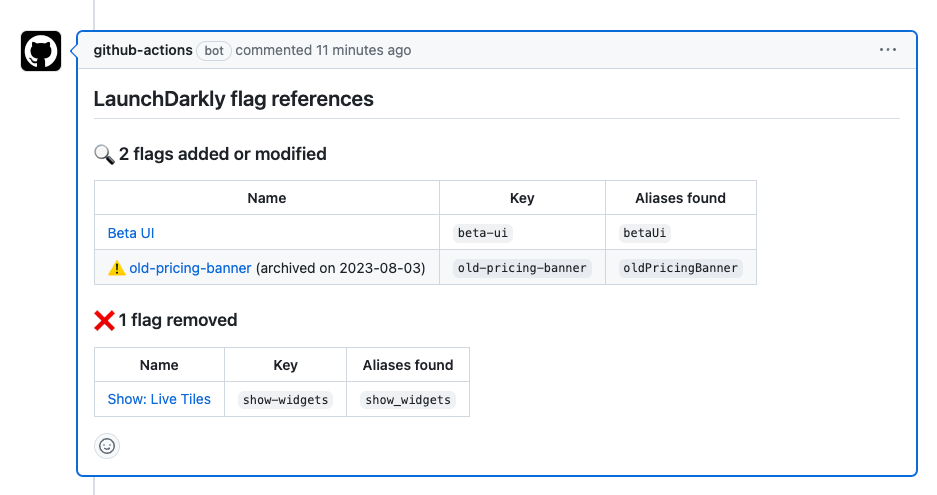
A PR comment listing LaunchDarkly flag references.
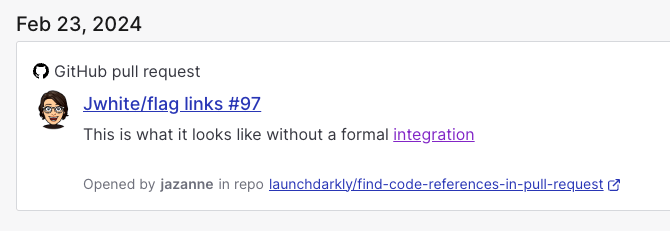
A GitHub flag link.
Prerequisites
To complete this procedure, you must have the following prerequisites: This action requires a LaunchDarkly access token with:- Read access for the designated
project-key - (Optional) the
createFlagLinkaction, if you have set thecreate-flag-linksinput totrue
Set up Find Code References in Pull Request
To set up the Find Code References in Pull Request GitHub Action:- Navigate to your GitHub repo.
- Navigate to Settings, then Secrets.
- Click Add a new secret.
- Enter your access token into the field.
- Click Save secret.
- Return to your GitHub repository to create a new Actions workflow.
pull_request you can add the new find flags job to that file.
If you don’t already have a workflow file, create a new file titled pull_request.yml in the .github/workflows directory of your repository. Paste the find-flags job declaration below into the Edit file section.
- Commit this file to the default branch of your repository.