

Find What Matters
The first thing you’ll notice is some refinements to how you can access and view network requests in the dev tools. Quickly filter down to requests of a certain type or status code (e.g. fetch requests with a 500 status), or use a custom search pattern to filter.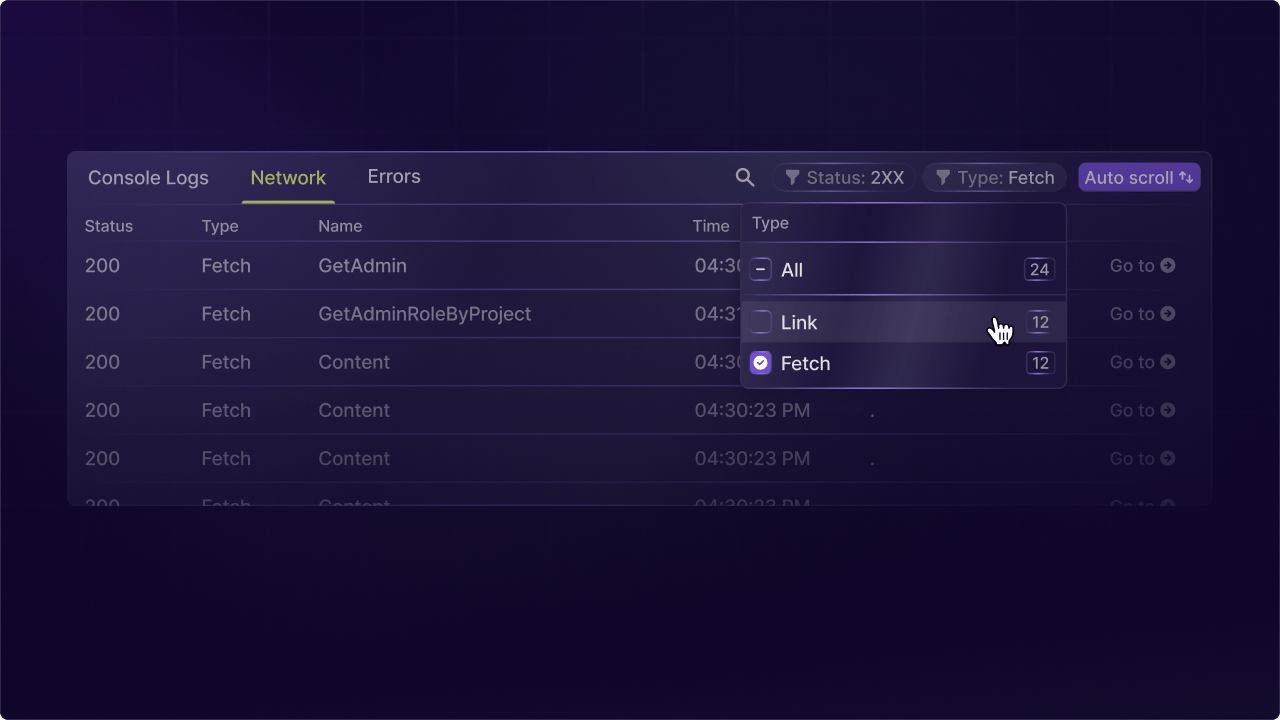
Network request tab in the LaunchDarkly replay dev tools with filtering by type and status code.
Tying It All Together
Once you navigate into a request you’ll see a new panel that integrates all the related information for the network request in one place. You’ll see tabs for the basic metadata of the request as well as any errors and logs associated. This helps provide the full picture of what happened in a request.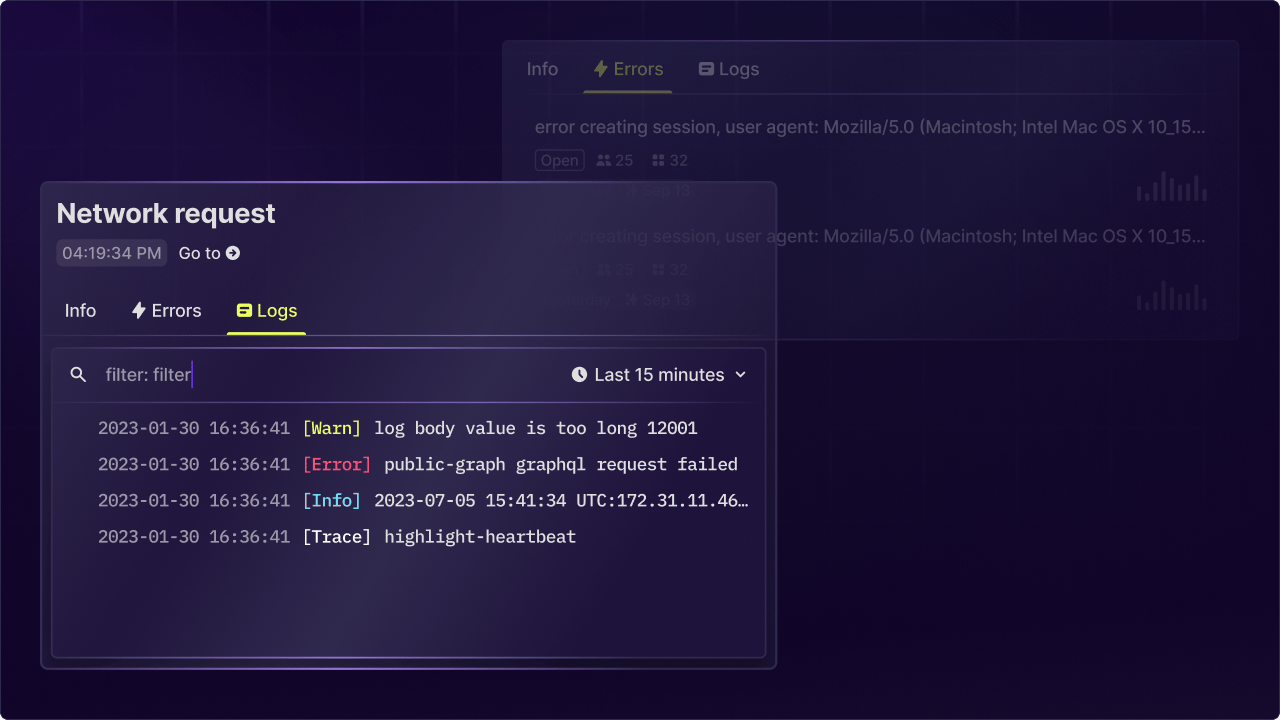
Network request detail panel showing metadata, errors, and logs for a single request.
To Be Continued
We have more in store to help you understand what’s happening from your client interactions all the way down to your database. Here’s a glimpse from a mockup for something we have in our roadmap.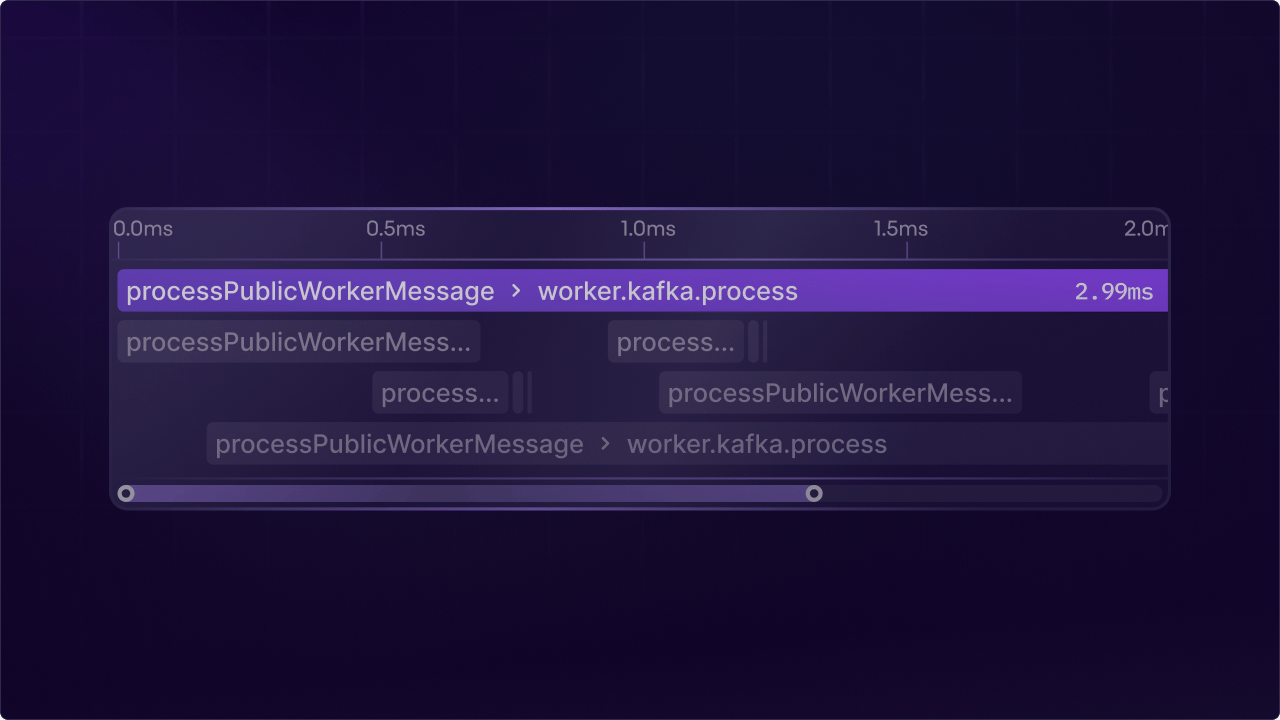
Mockup of the future network request panel with integrated trace visualization.