

Types of metric events
There are three types of metric events:customevents are instrumented using the track feature in your SDK. You can use custom events to create custom conversion binary, custom conversion count, and custom numeric metrics.- Conversion metrics register events when an end user takes an action based on a feature flag they encounter.
- Numeric metrics measure numeric values against a baseline you set.
clickevents are instrumented in the LaunchDarkly user interface when you create clicked or tapped conversion metrics. You must use a supported client API to create clicked or tapped metrics in this way.page viewevents are instrumented in the LaunchDarkly user interface when you create page viewed conversion metrics. You must use a supported client API to create page viewed metrics in this way.
Try it in your SDK: Tracking custom events
SDK compatibility
The following table explains the kinds of events you can track with a metric and their SDK compatibility:| Event kind | Metric | Description | SDK compatibility |
|---|---|---|---|
| Custom | Conversion binary | Tracks events for any arbitrary event. | All |
| Custom | Conversion count | Counts events for any arbitrary event. | All |
| Custom | Numeric | Tracks increases or decreases in numeric value against a baseline you set. | All |
| Clicked or tapped | Conversion | Tracks the clicks on a user interface (UI) element. | Electron JavaScript Node.js (client-side) React Web Vue |
| Page viewed | Conversion | Tracks how many times a page is viewed. | Electron JavaScript Node.js (client-side) React Web Vue |
Metric event sources
When you create a new metric, you can choose a metric event from two different sources: LaunchDarkly hosted events or warehouse native events. LaunchDarkly hosted events are events that LaunchDarkly stores locally. With any subscription plan, LaunchDarkly receives and stores all of the events generated by LaunchDarkly SDKs. You can use LaunchDarkly hosted events to create any of the metric types described in Creating and managing metrics. Warehouse native events are events that are stored in an external warehouse, such as Snowflake. Warehouse native events are available only if you have configured Snowflake native Experimentation. You can use Warehouse native events to create certain types of custom metrics for use in experiments. To learn more, read Warehouse native metrics. If you do not use Snowflake native Experimentation, LaunchDarkly does not provide the option to select a metric data source when you create a new metric. If you use Snowflake native Experimentation, you have the option to select either LaunchDarkly hosted or Warehouse native as the source for metric events when you create a new metric. If you choose Warehouse native you must select or create a data source to provide the event data. To learn more, read Metric data sources.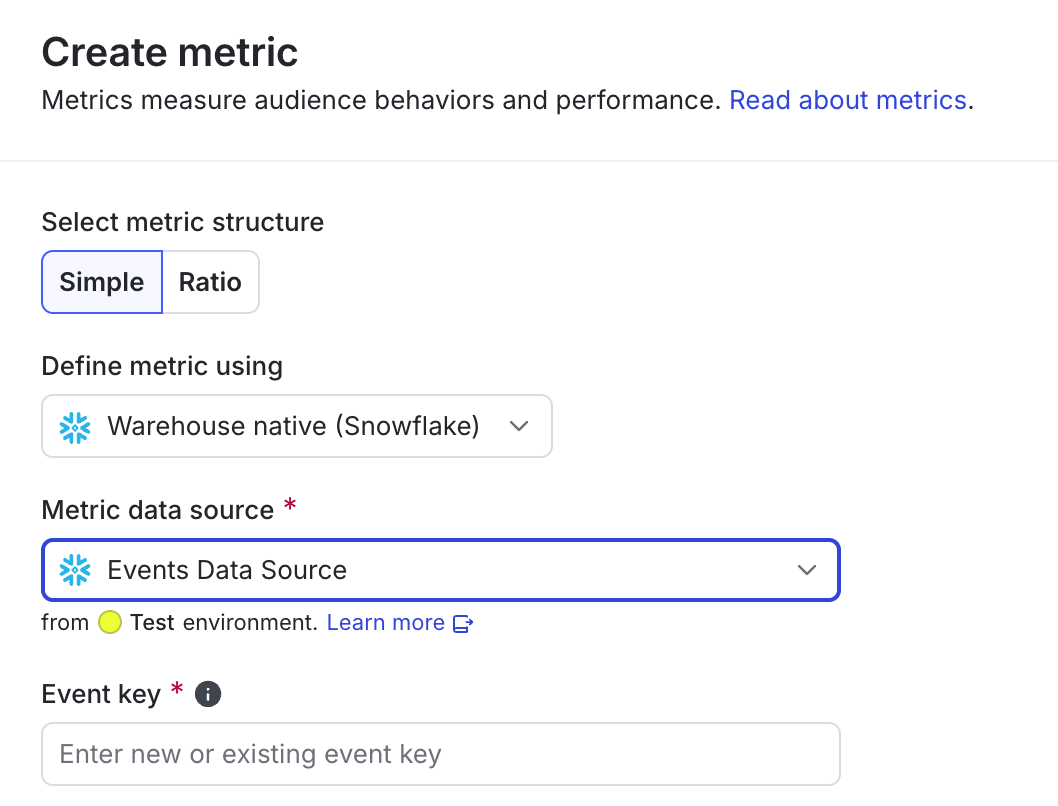
Choosing LaunchDarkly hosted or warehouse native metrics.
Metric event activity
The metric event Activity tab provides visibility into the events LaunchDarkly is receiving for a given metric. LaunchDarkly stores the most recent matching event, along with the previous 100 events received within two hours of that event. This helps you determine whether the metric is actively receiving data.Event processing for archived metricsArchived metrics continue to receive and process matching events. However, LaunchDarkly hides archived metrics from dashboards, experiment setup screens, and metric selection menus by default.
- Timestamp: when the metric received the event.
- Context key: the key of the context that generated the event.
- Value: for custom numeric metrics, the numeric value of the event.
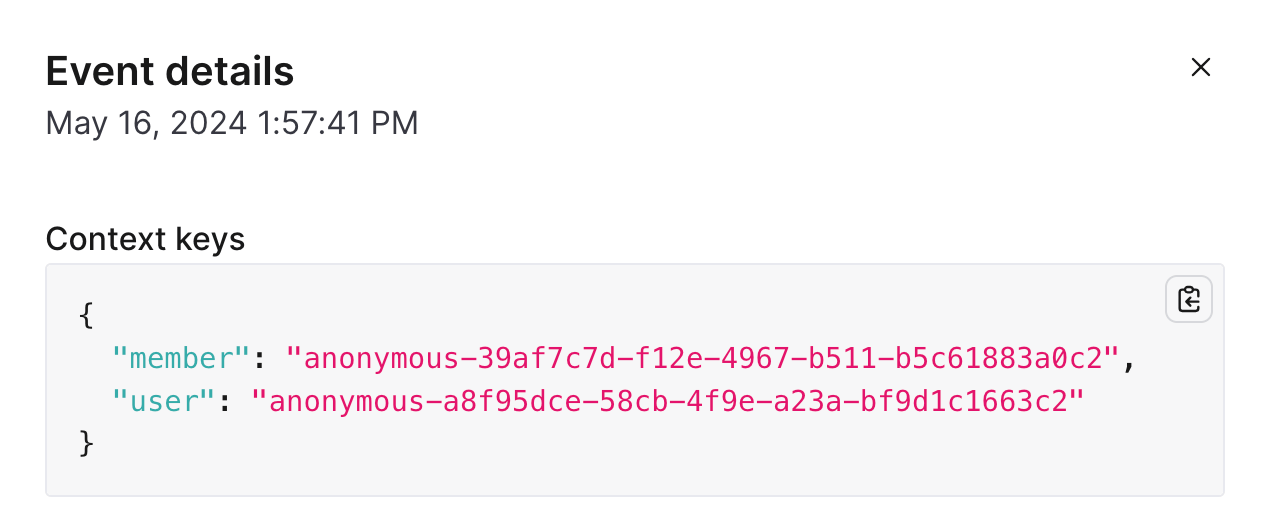
Details for a metric event.