

View flags across multiple environments
Viewing a flag across multiple environments allows you to compare the targeting and recent evaluations of your feature flag at a glance. To view a flag across multiple environments:- In the left sidebar, click Code. The CodeControl menu appears.
- Click Flags.
- Click the + next to your current environment to display the list of environments, and select the environment you want:
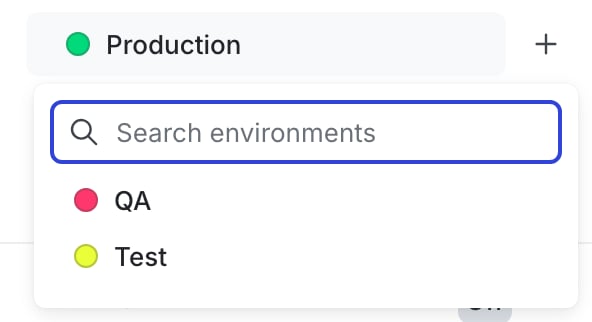
The environment selection menu.
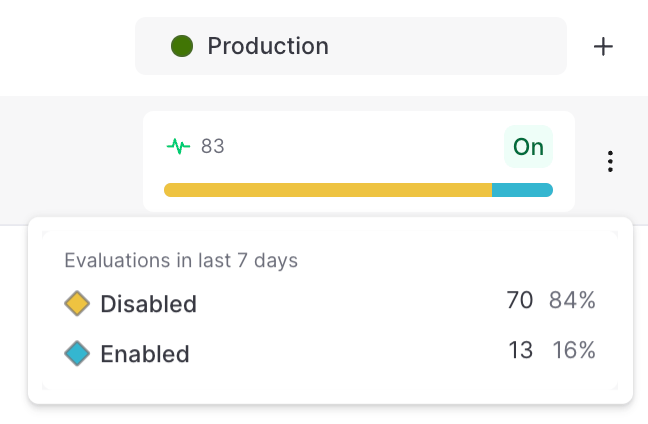
Flag evaluation information available on hover, for the Production environment.

You can also use the REST API: Get flag status across environments